Artwork Manager
Tools → Artwork Manager fetches custom mix box art for your ROMs in bulk.
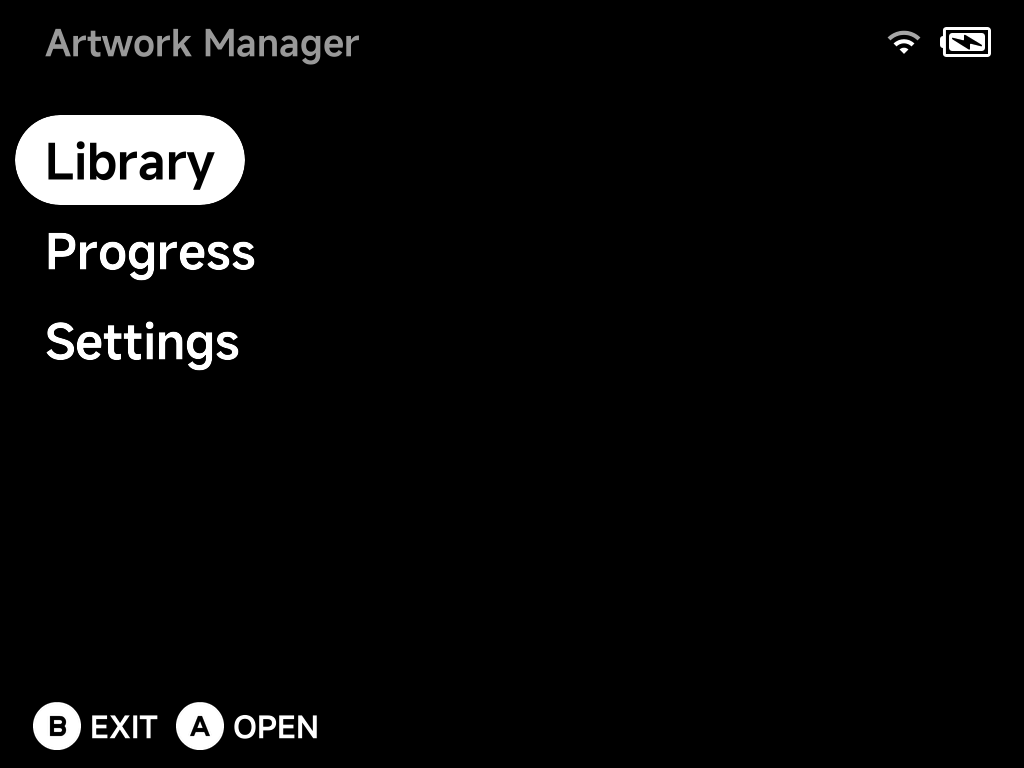
Library
The Library lists every system with its artwork coverage (games with art / total games).
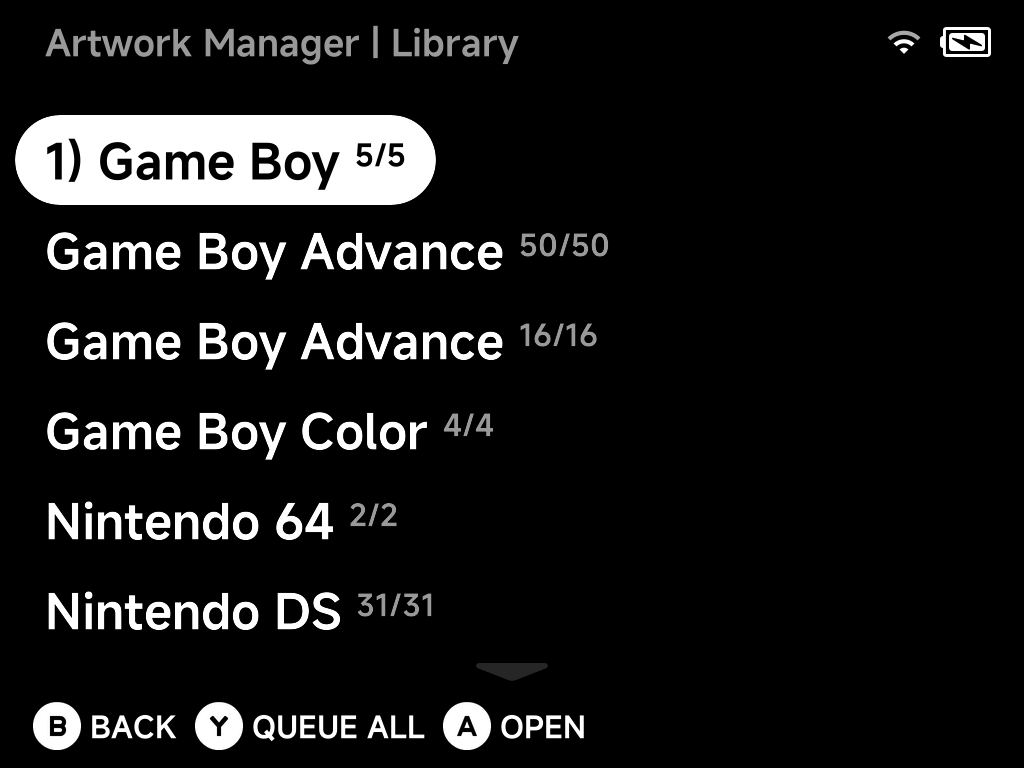
AOpen — drill into a system to queue individual games.YQueue All — queue every missing artwork in the selected system.BBack.
Progress
Queued downloads run in the background; the Progress page shows what's being fetched. Downloaded art is placed alongside the ROMs, so it shows up in the game lists immediately.
Single game instead?
For one game, use Fetch Box Art in the game's context menu — no need to open the Artwork Manager at all.
Settings — your ScreenScraper account
Artwork comes from ScreenScraper. Fetching works without any account, but anonymous access shares a limited request budget — fine for a game here and there, slow going for a whole library.
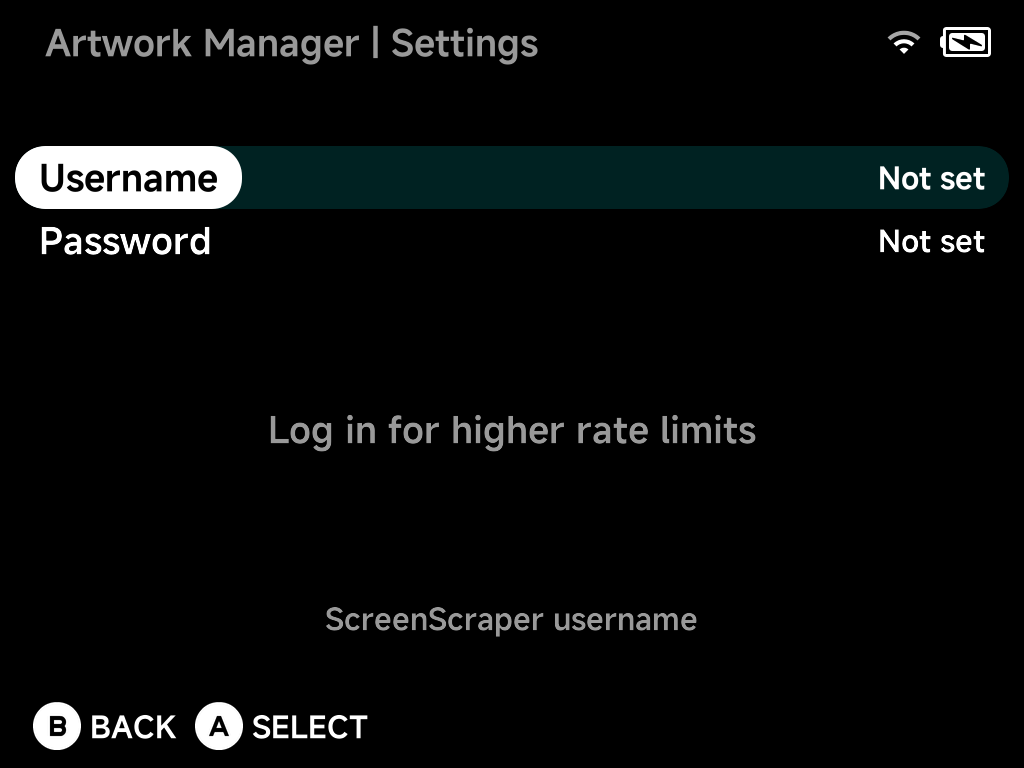
Enter your own (free) ScreenScraper username and password here and every fetch runs on your account's allowance instead:
- Higher rate limits — your account's own daily request quota, which for registered users is well above the shared anonymous budget.
- Live quota display — once logged in, the page shows Requests Today and Max Requests (your account's daily limit), fetched straight from your ScreenScraper account.
- Logout — a logged-in page also gains a Logout entry that clears the saved credentials from the device.
Both fields are typed with the on-screen keyboard; the password is stored on the SD card and always displayed masked.