Emulator Settings
Tools → Emulator Settings configures each system's emulator without
launching a game first. Every system is listed with the core it runs on
(e.g. Arcade (FBNeo) (fbneo), Atari 2600 (stella2014)).
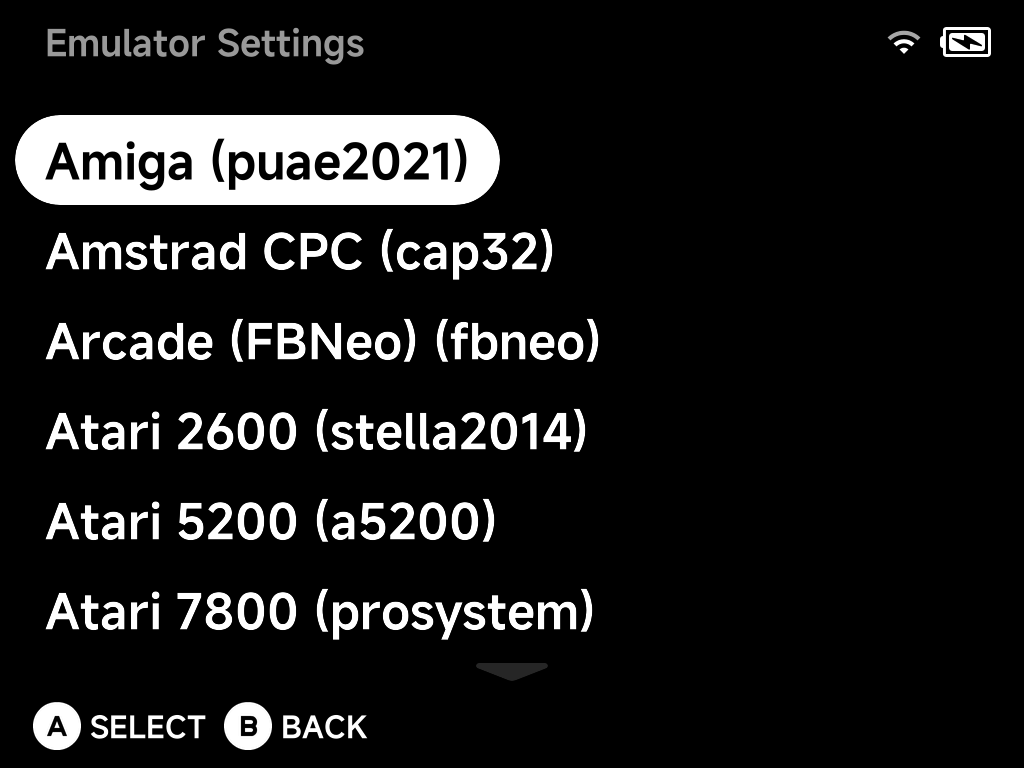
Select a system with A to edit its emulator options — the same options you
reach in-game via the pause menu's
Options entry, edited here as the system-wide defaults.
For a single game, use Emulator Options in the game's context menu instead — per-game options override the system-wide settings made here. See Emulator Options for how the three configuration places fit together.