Playing Games
Launch a game with A from any game list, or resume your last session with
X (or through the Game Switcher).
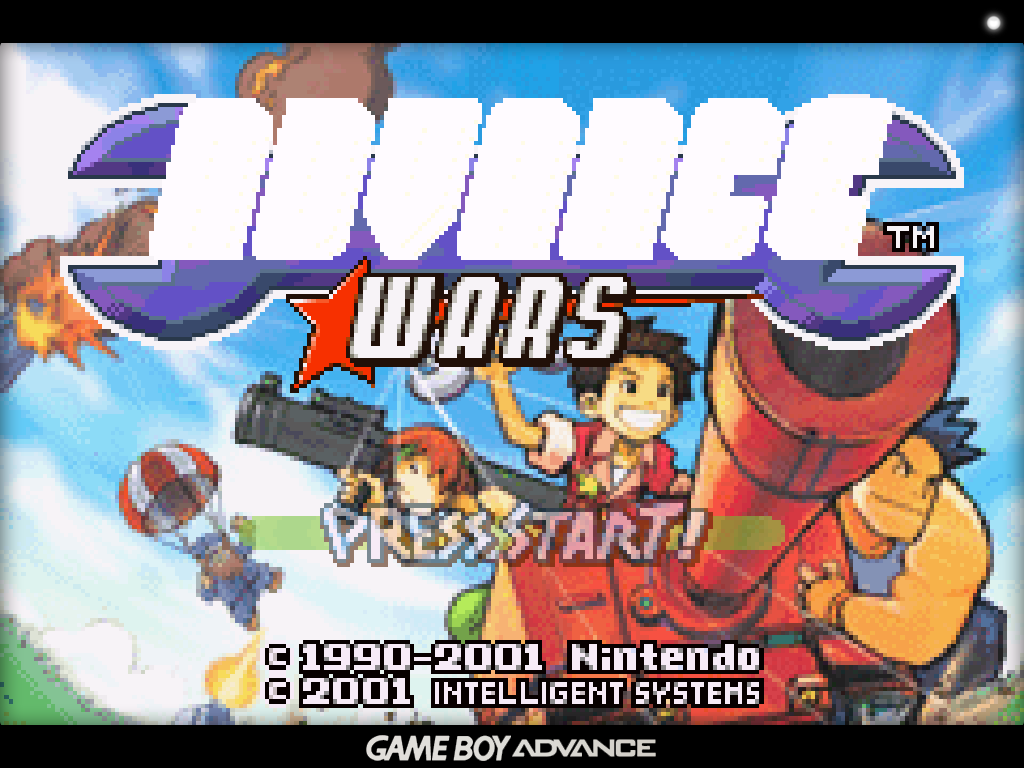
The in-game menu
Press MENU while playing to pause the game and open the in-game menu. All
emulators — the built-in cores and the standalone Nintendo 64, Nintendo DS and
Dreamcast emulators — share the same menu with UI styling consistent with the
rest of the system.
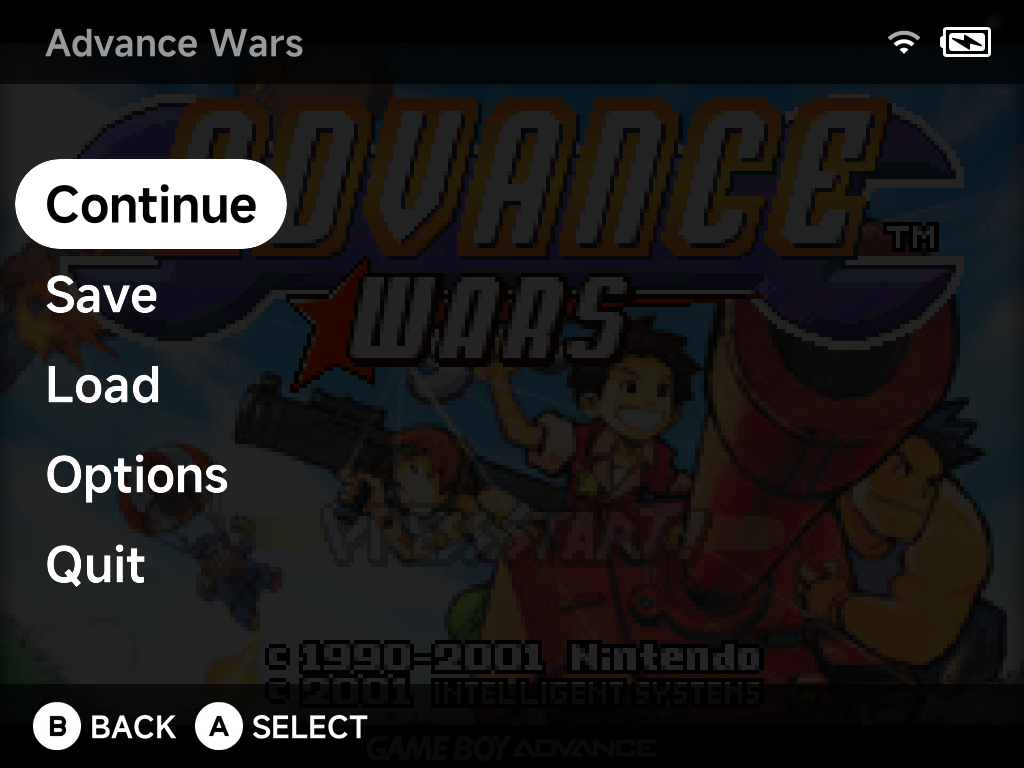
- Continue — return to the game.
- Save / Load — save states, complete with screenshots so you can see what you're loading.
- Options — emulator options for the running game, applied live.
- Quit — exit back to the menu. Quitting auto-saves to a hidden slot, so the Game Switcher can always resume exactly where you left off.
Sleep
Press the power button to put the device to sleep — this works in all standalone emulators and PortMaster games, not just the built-in cores.
Audio output
All emulators support USB-C and Bluetooth audio. Hot-plugging a USB-C DAC or connecting Bluetooth mid-game reroutes audio automatically — a headphone icon appears in the status bar while an external output is active. See Settings → Audio for details.
In-game notifications
RetroAchievements unlock and progress notifications appear in-game as you play — see RetroAchievements. Their behavior can be tuned in Settings → In-game Notifications.