LED Control
Lighting per LED zone — on the Brick: the F1 key, F2 key, Top bar and L&R triggers. Pick a zone to configure it; every zone offers the same options below. (Quick LED on/off lives in the OSD.)
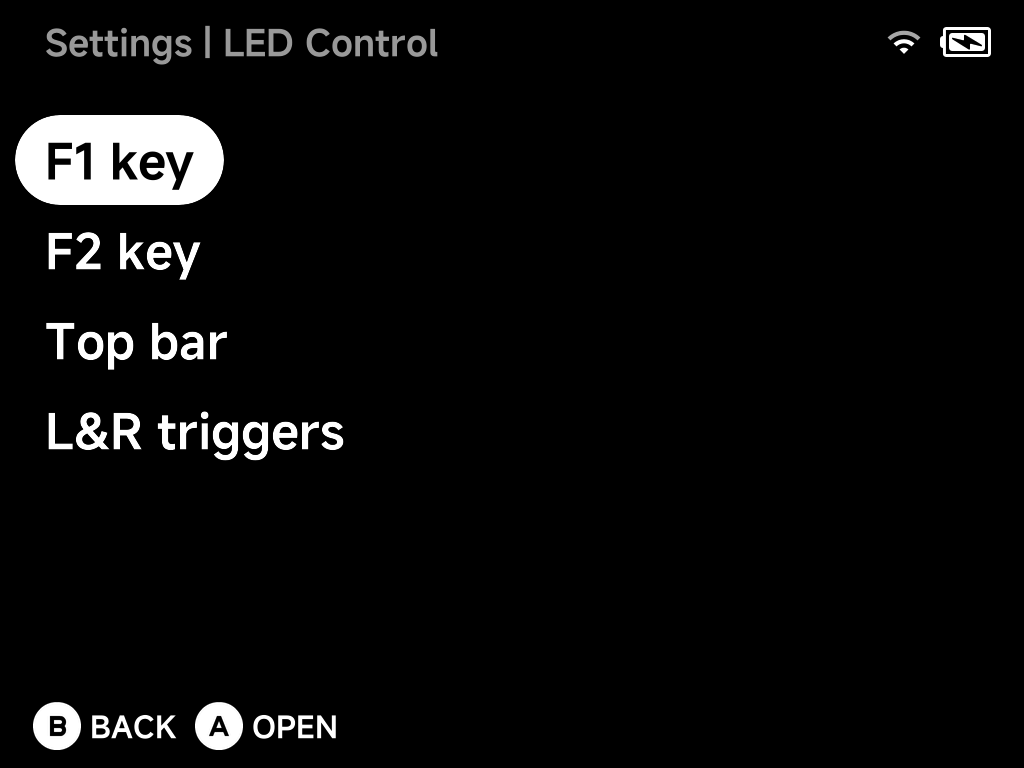
Opening a zone shows its options — here the F1 key:
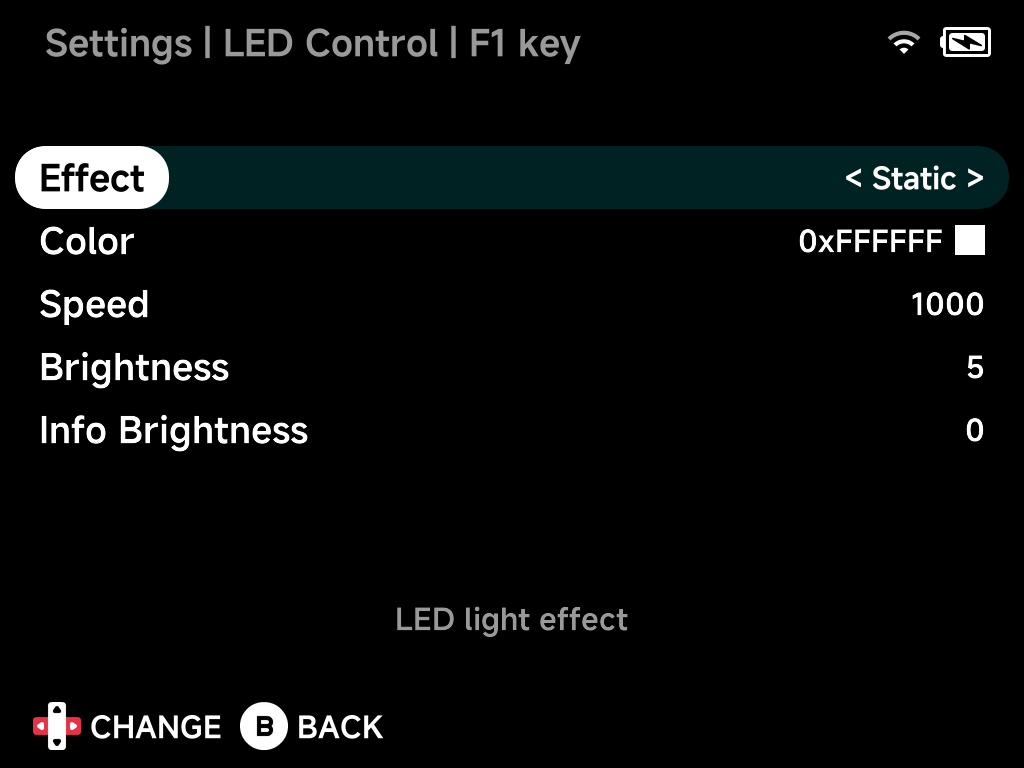
Effect
The lighting effect for the zone: Linear, Breathe, Interval Breathe, Static, Blink 1–3, Rainbow, Twinkle, Fire, Glitter, NeonGlow, Firefly, Aurora and Reactive — plus zone-specific extras (Topbar Rainbow and Topbar night on the top bar; LR Rainbow and LR Reactive on the triggers).
Color
The LED color, chosen from the color palette.
Speed
Animation speed of the chosen effect.
Brightness
LED brightness level (per zone where the hardware supports it, otherwise for all LEDs).
Info Brightness
LED brightness used for status lighting — charging and low battery.