

Features
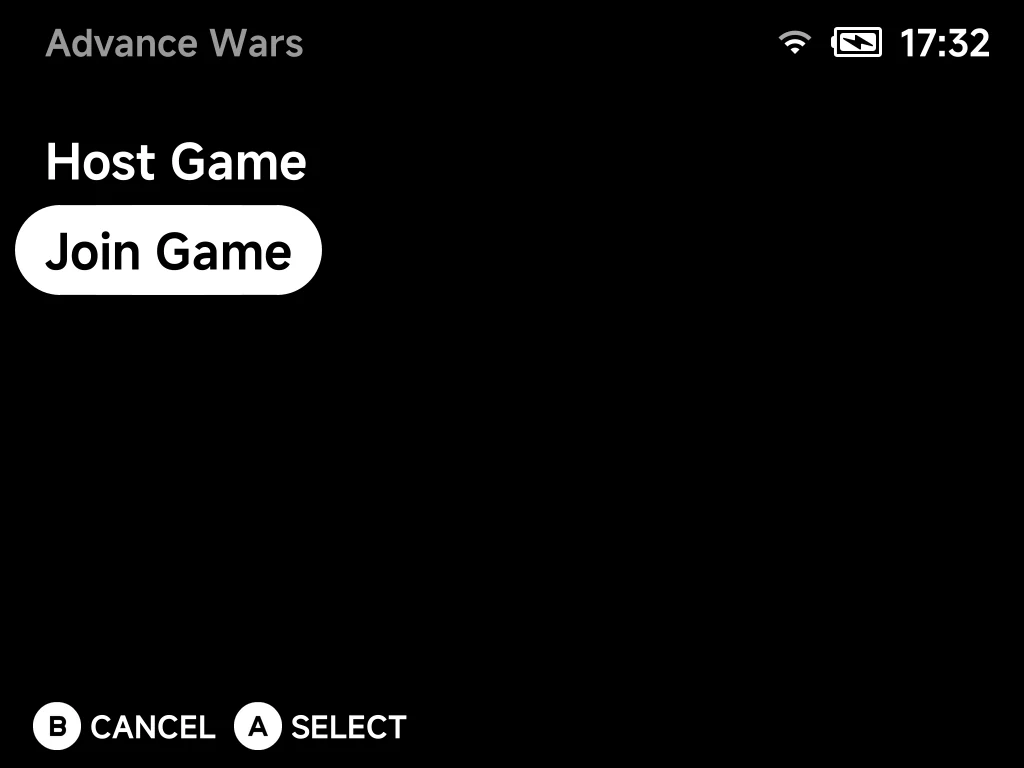
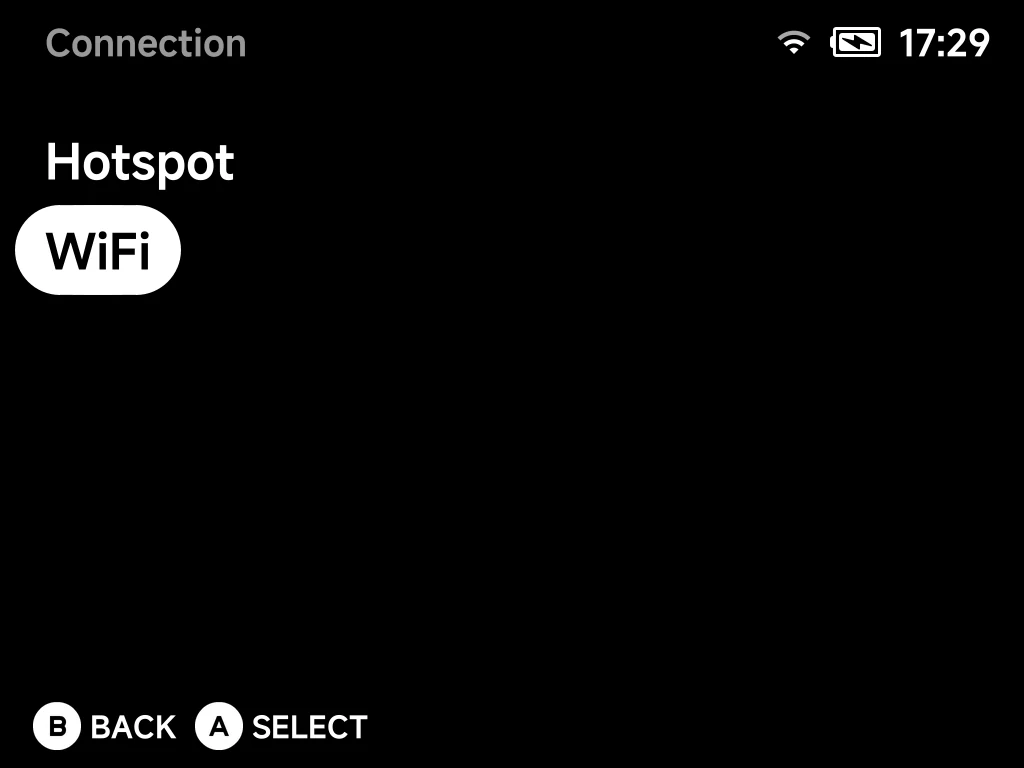
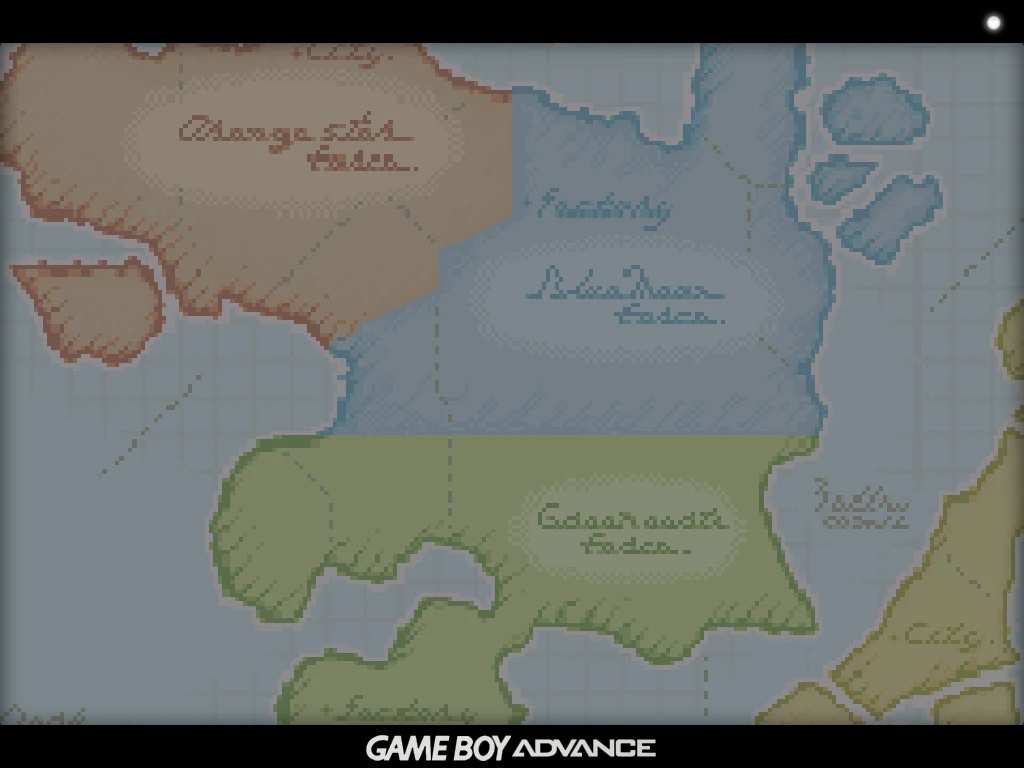
Think you're better than your friends? Prove it. Press Y on a supported game to host or join over a USB cable, Wi-Fi or a hotspot. No IP addresses, and saves sync before the match. How netplay works
Handheld now, Mobile later
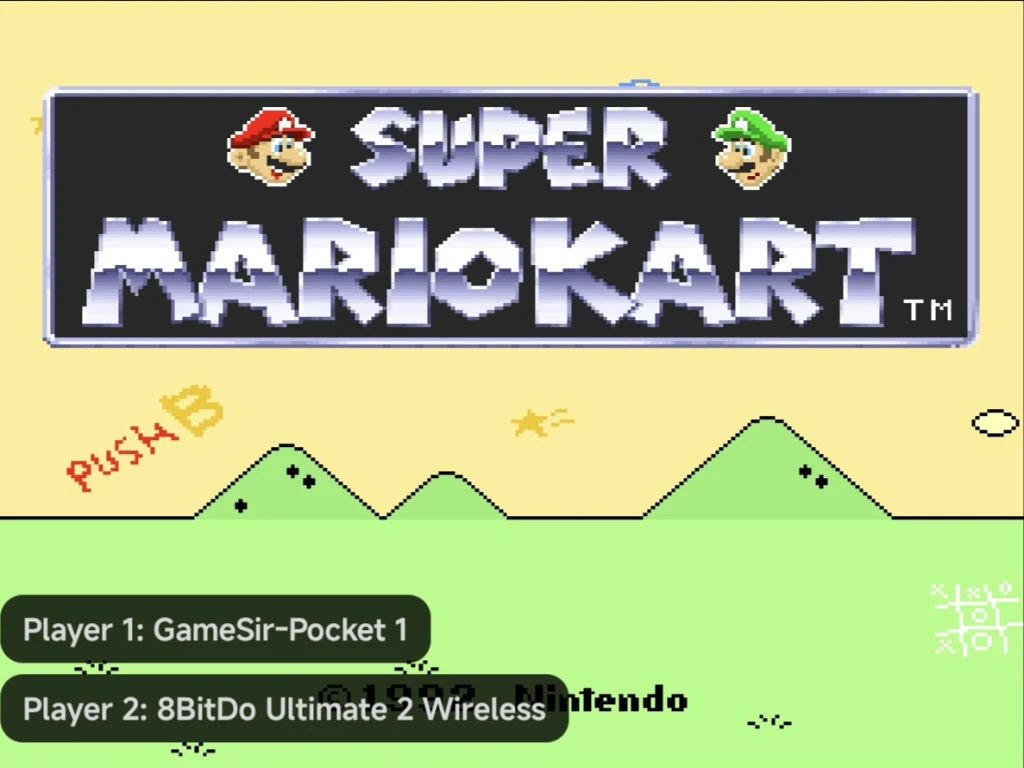
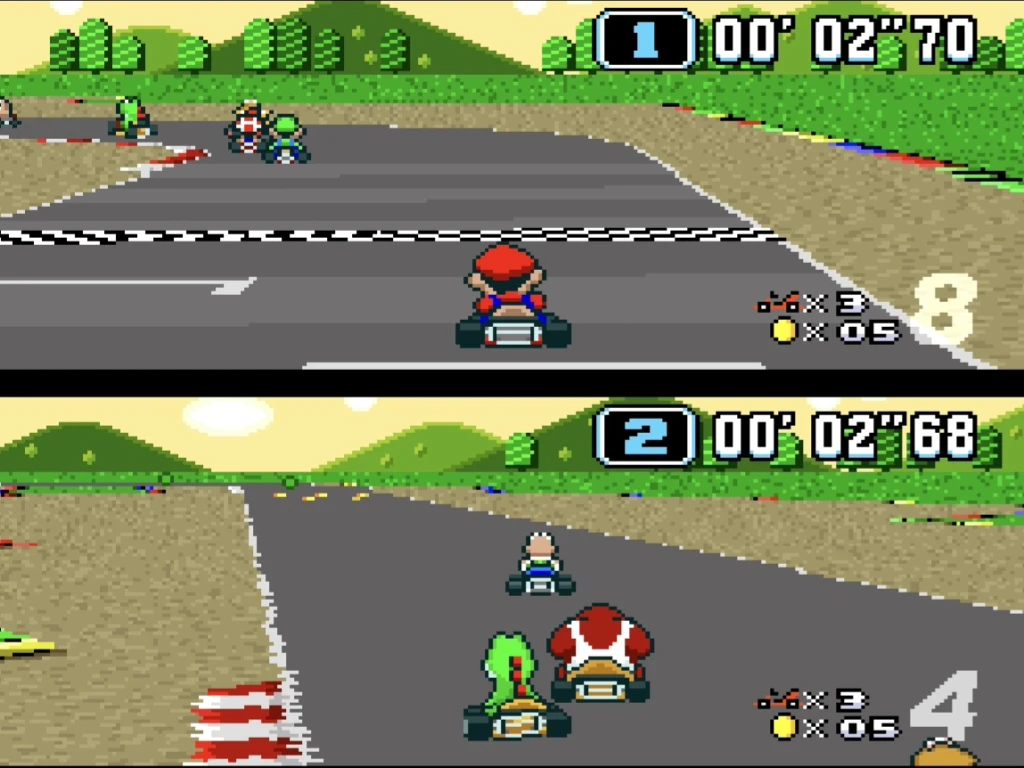
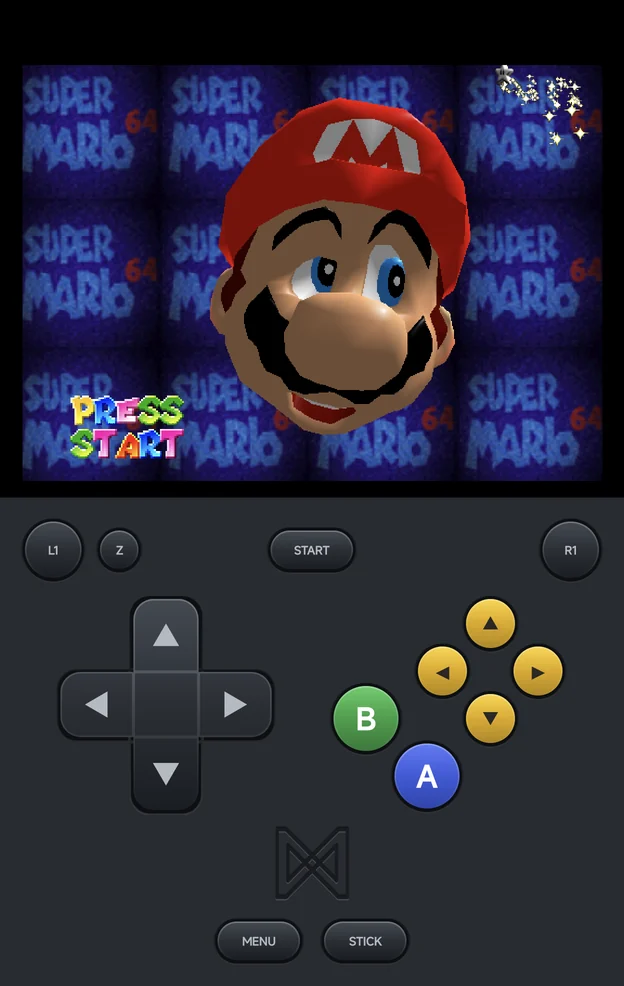
Got a spare controller? Hand it over. Up to four players share one phone or tablet, each on their own pad: press a button to join, and everyone's rumble stays in their own hands. Play local multiplayer
Mobile
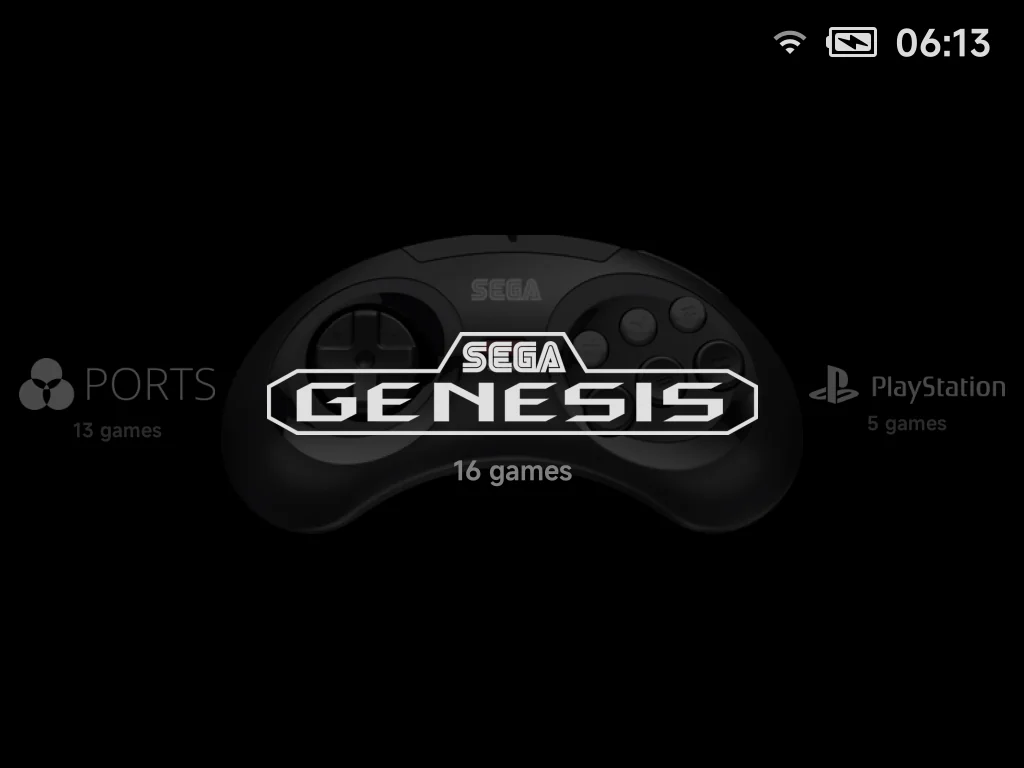
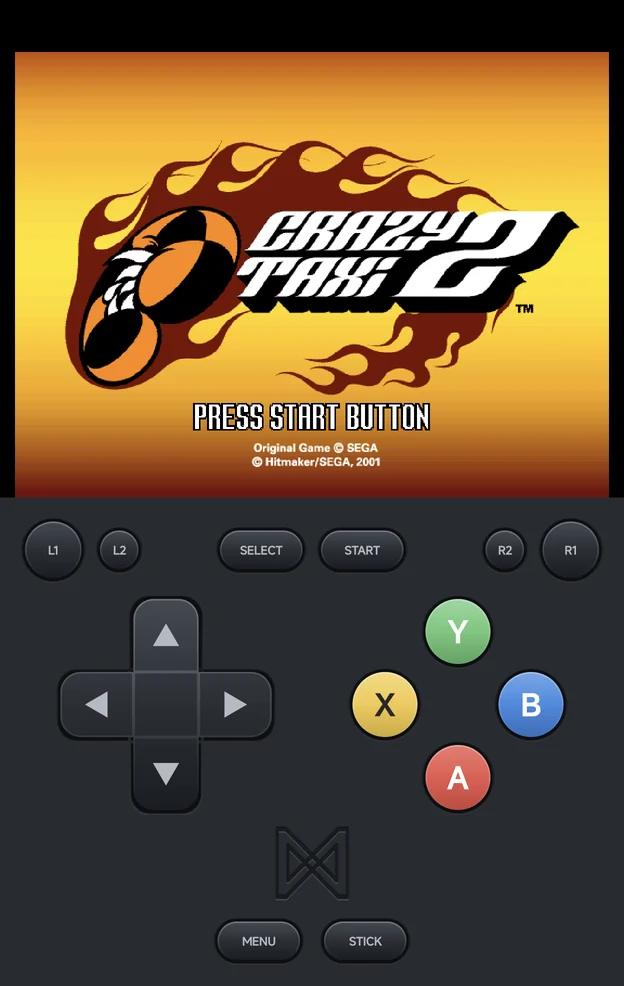
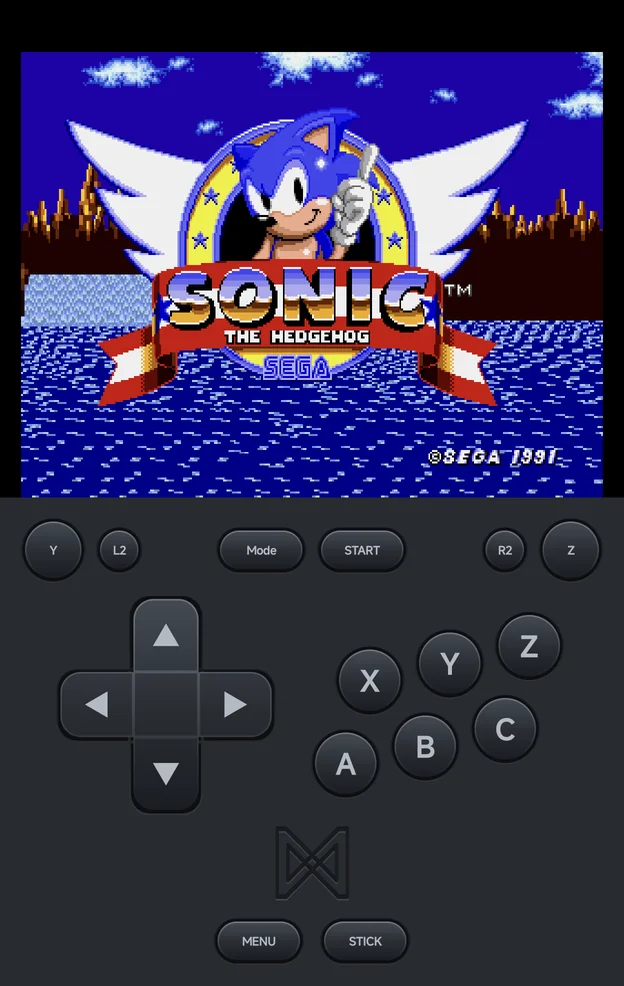
No hunting for emulators, no setup rabbit holes. Everything from classic handhelds to 3D consoles is built in and ready to play. See the bundled emulators
Handheld and Mobile
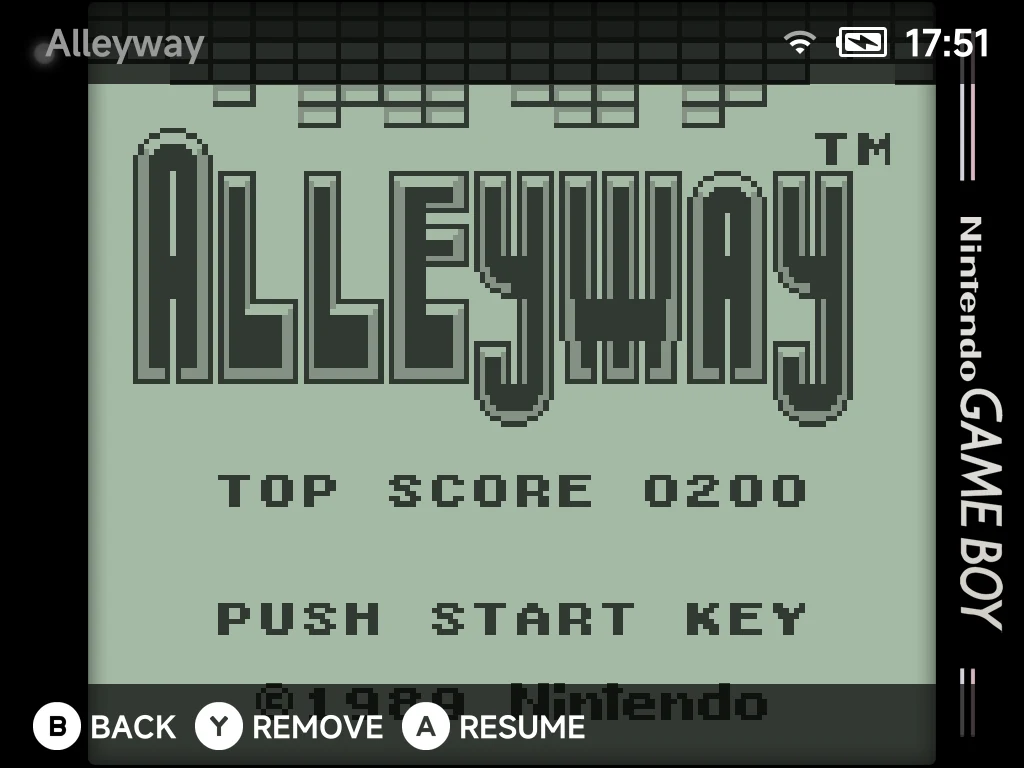
Dinner's ready? Just quit. Your game saves itself, and SELECT brings it back exactly where you left off. About the Game Switcher
Handheld
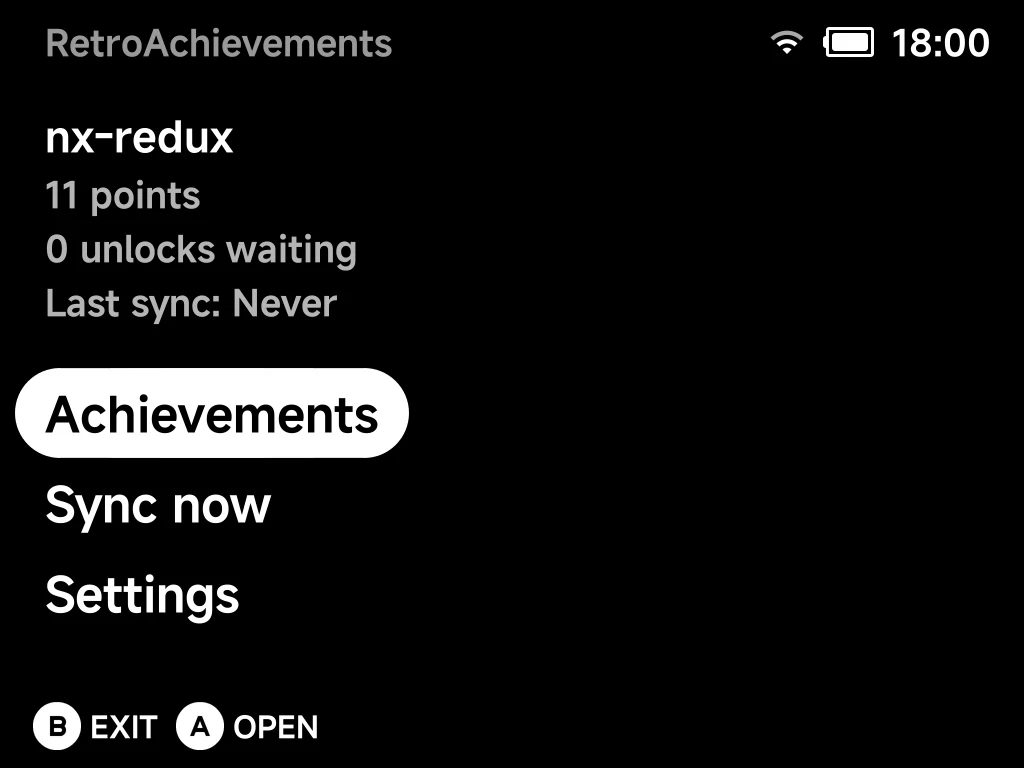
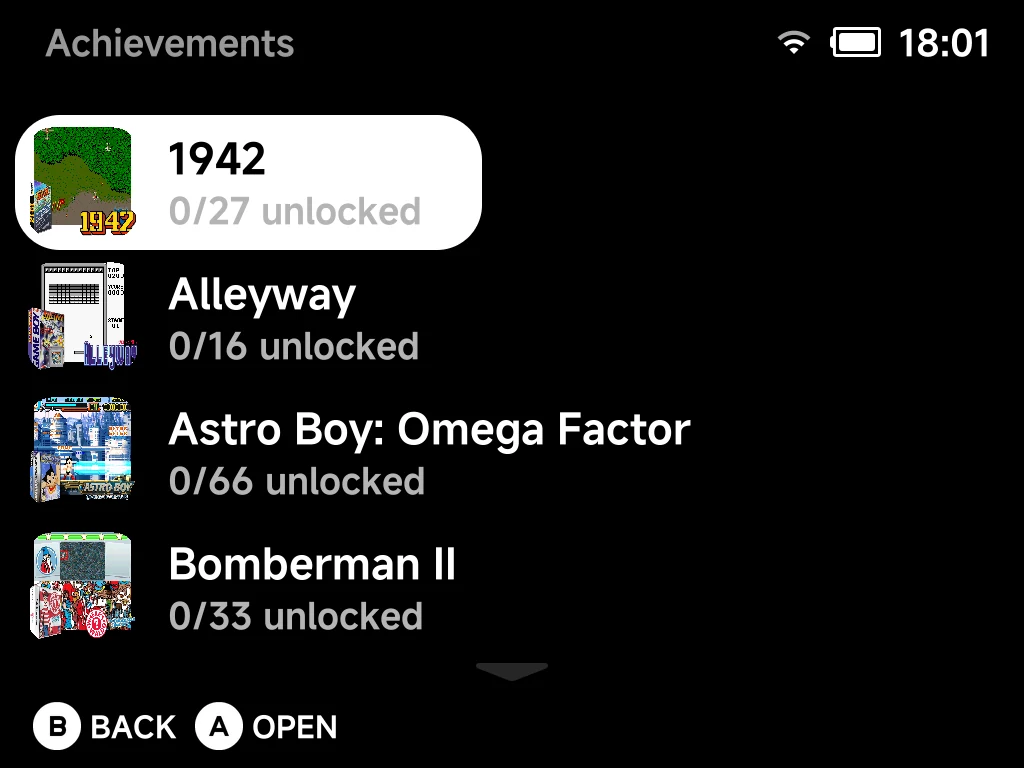
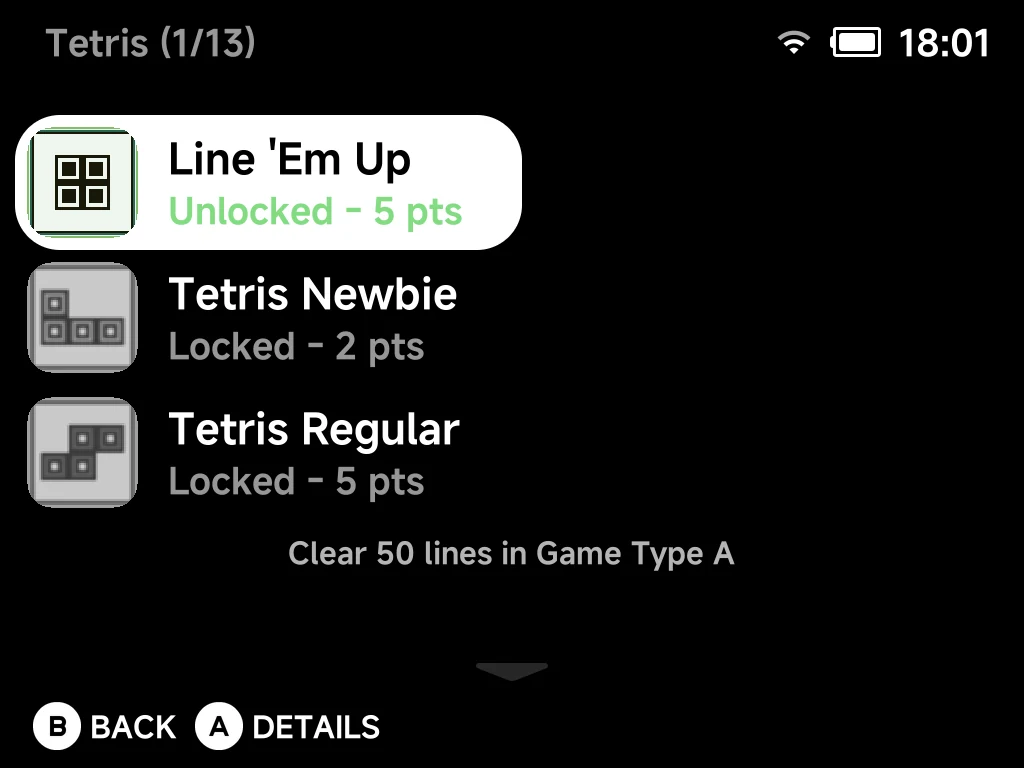
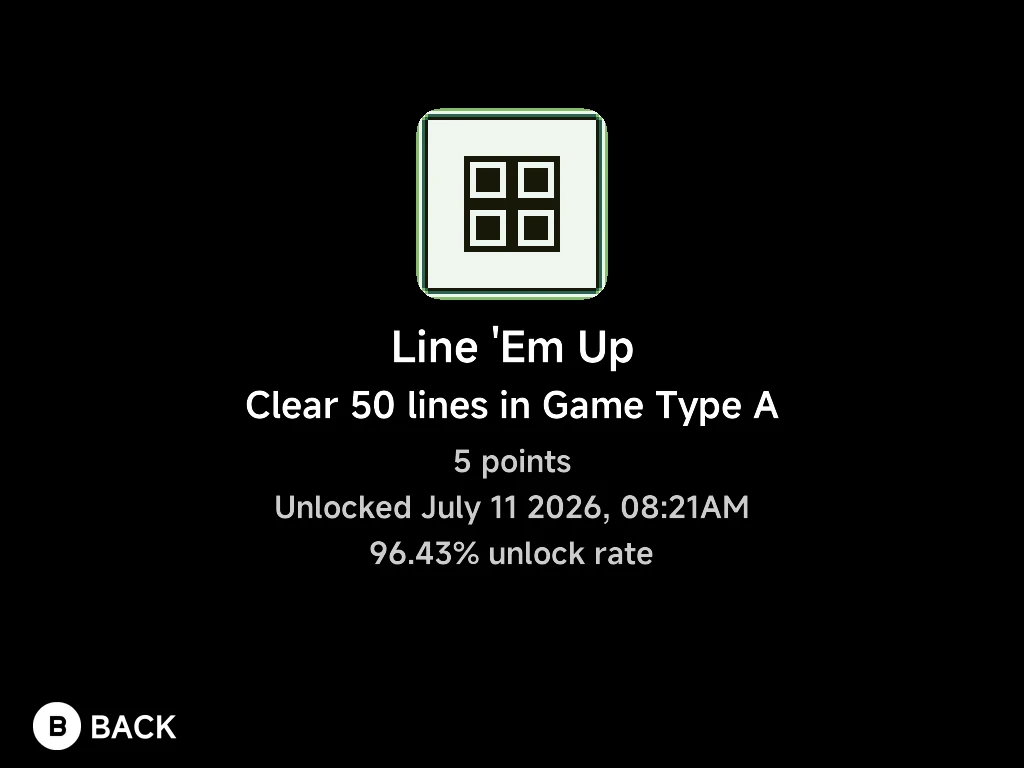
Real life doesn't hand out trophies. NX Redux does, even offline: earn RetroAchievements without a connection and sync them later. Set up RetroAchievements
Handheld and Mobile
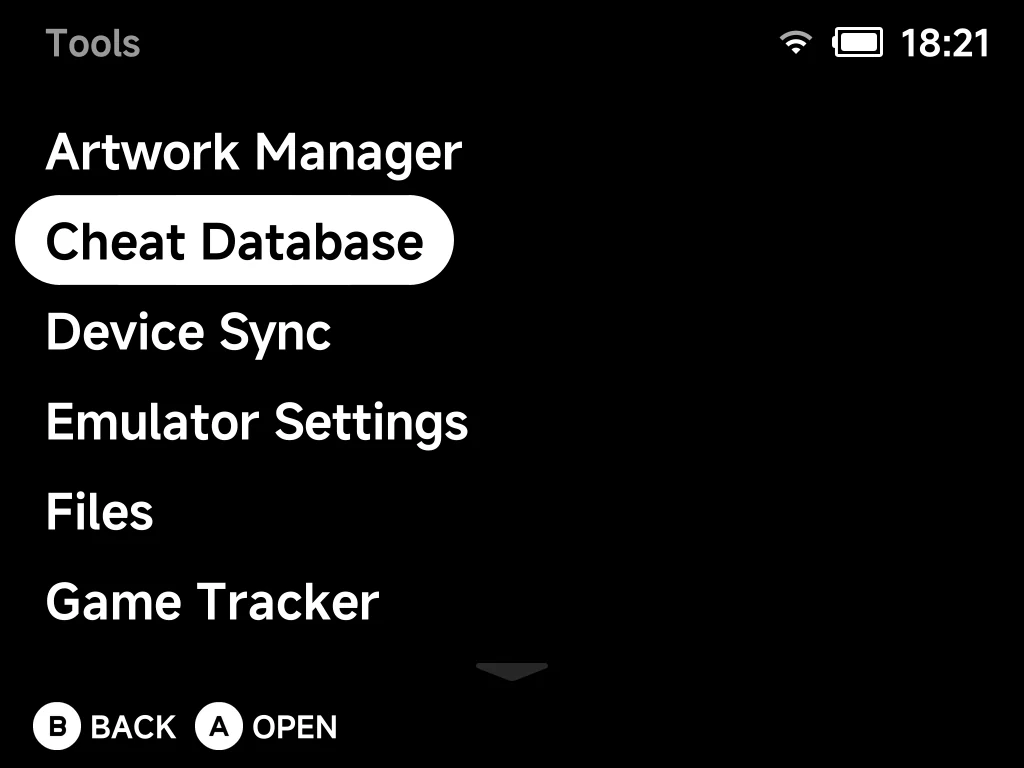
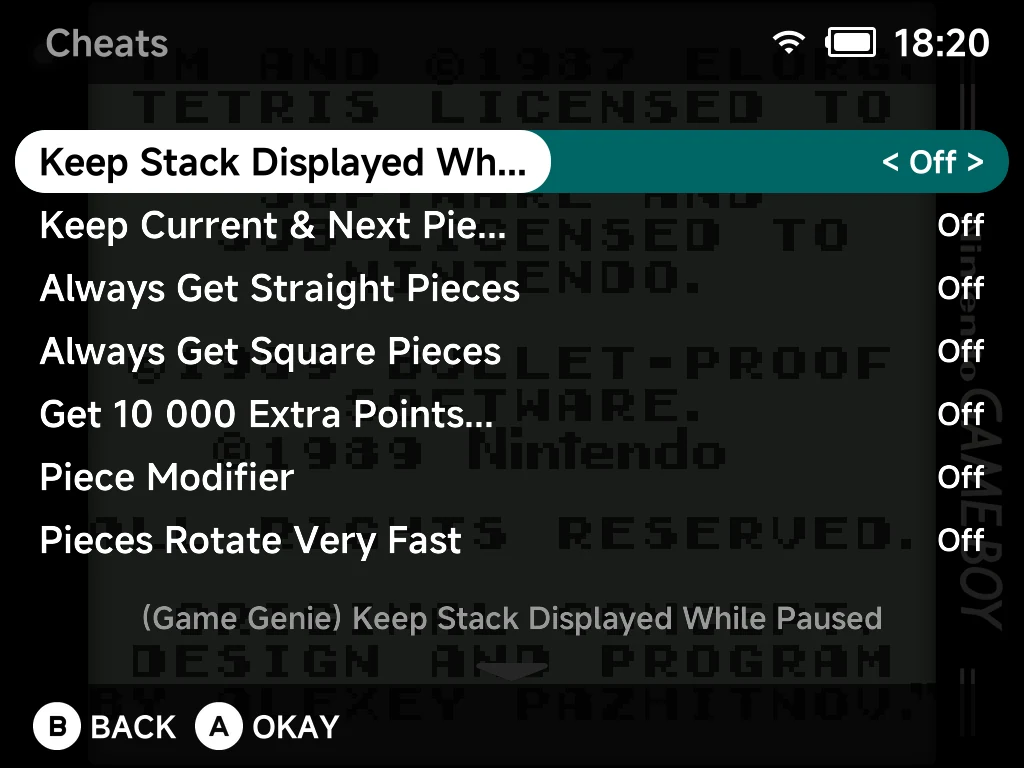
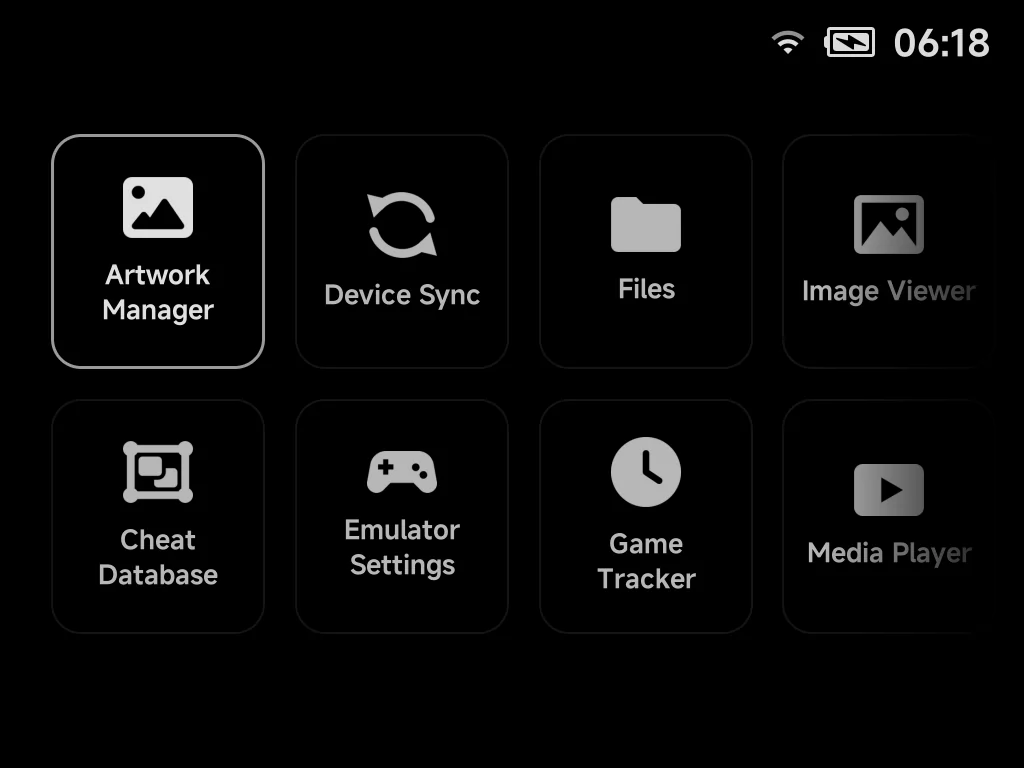
Stuck on that one boss? We won't tell. Grab the cheat database right on the device, then flip cheats on and off from the in-game menu. Set up cheats
Handheld and Mobile
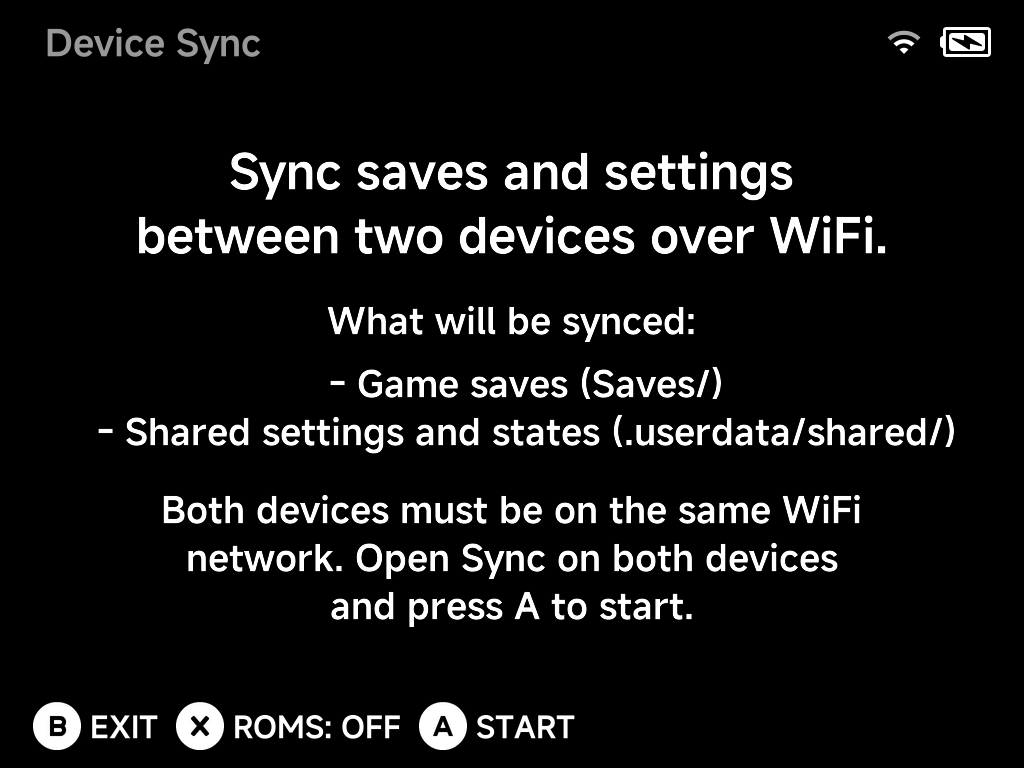
Own more handhelds than you'd admit? Sync them over Wi-Fi, and your saves, states and, if you like, ROMs follow you from one to the next. How Device Sync works
Handheld now, Mobile later
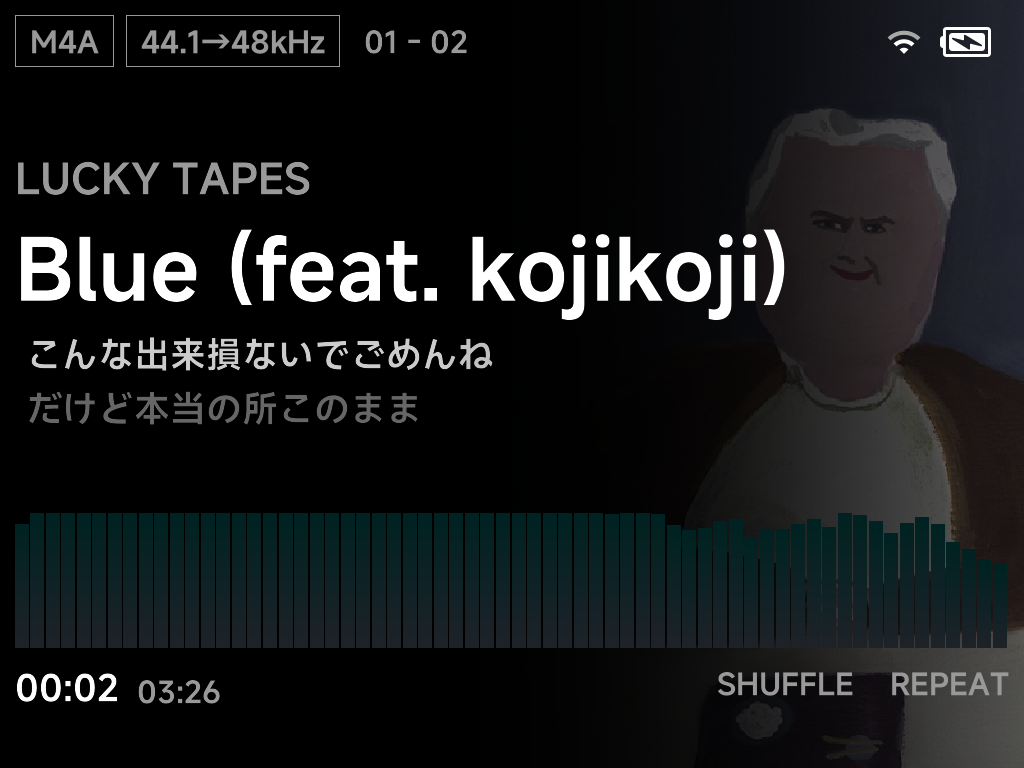
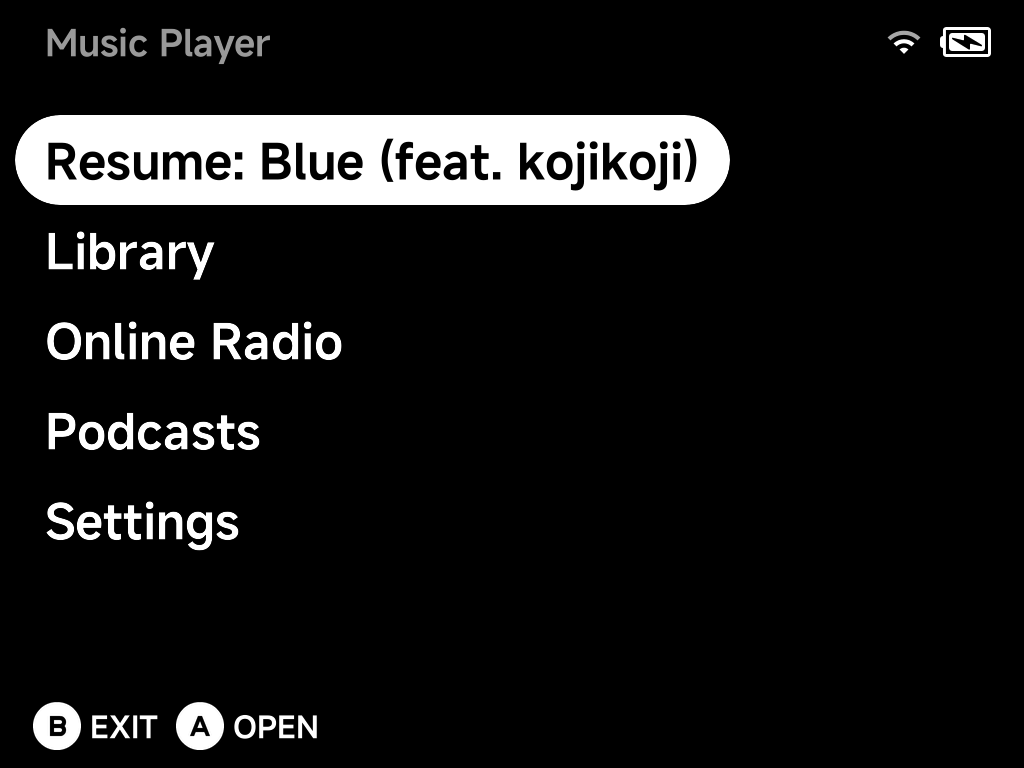
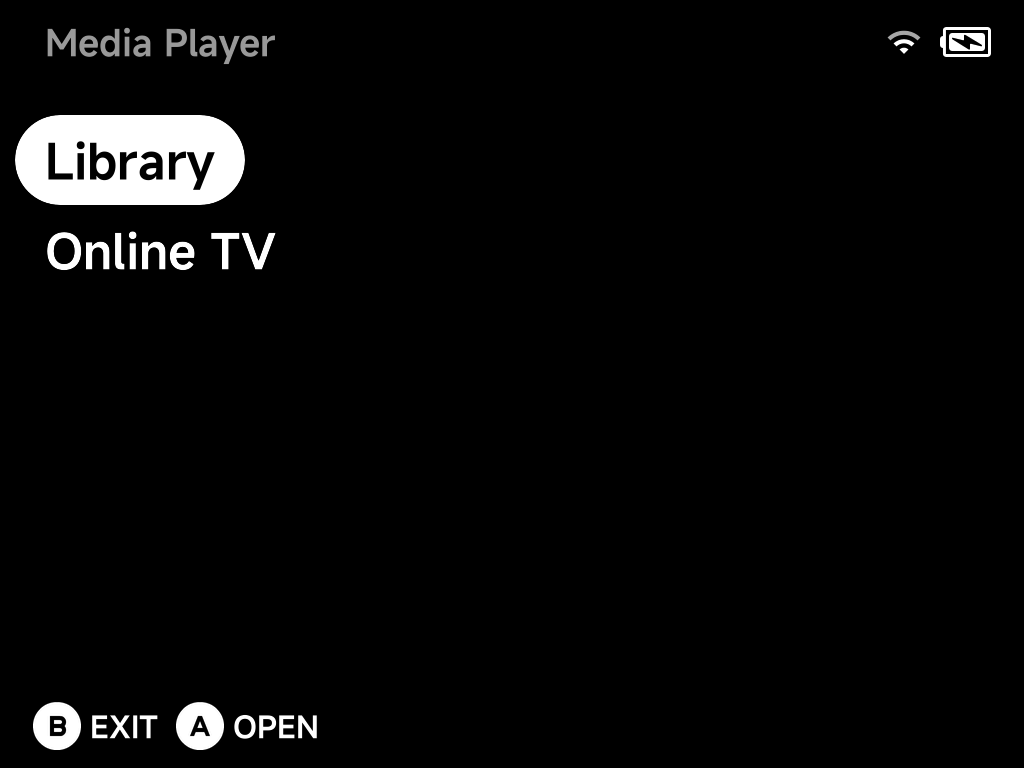
Need a rest from gaming? Kick back with some music or a video, played through the speaker, Bluetooth headphones or a USB-C DAC. Explore the Music Player
Handheld
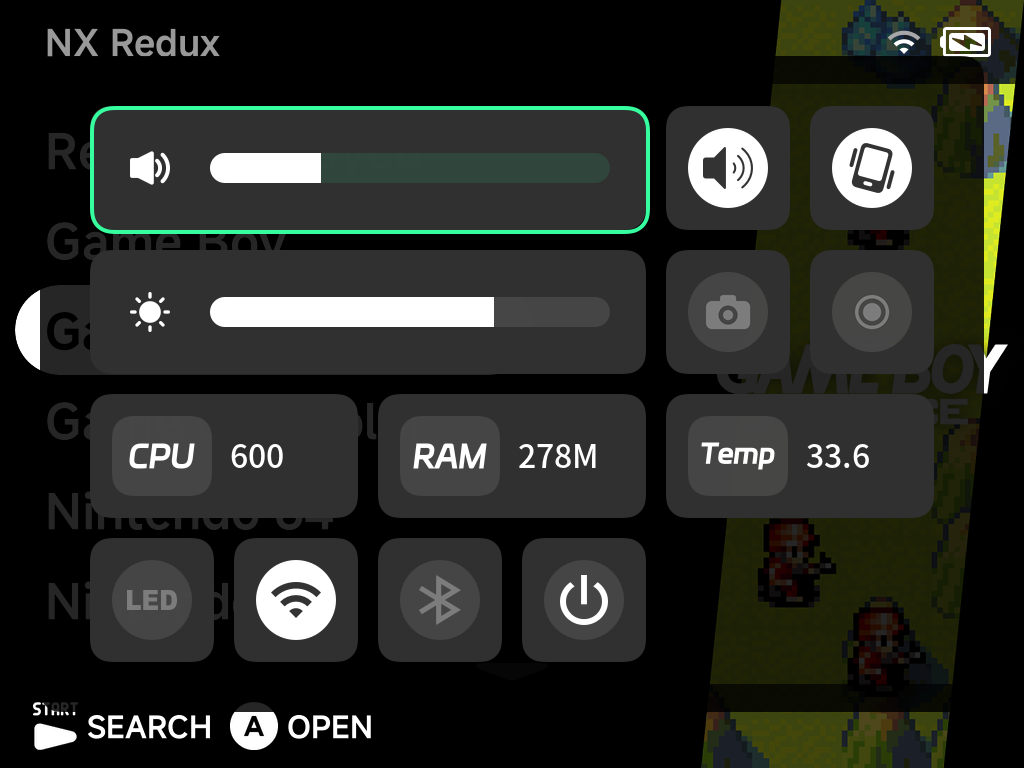
Screen too bright at 2 a.m.? Long-press MENU for volume, brightness, Wi-Fi, Bluetooth, screenshots and screen recording, without leaving your game. Open the On-Screen Display
Handheld
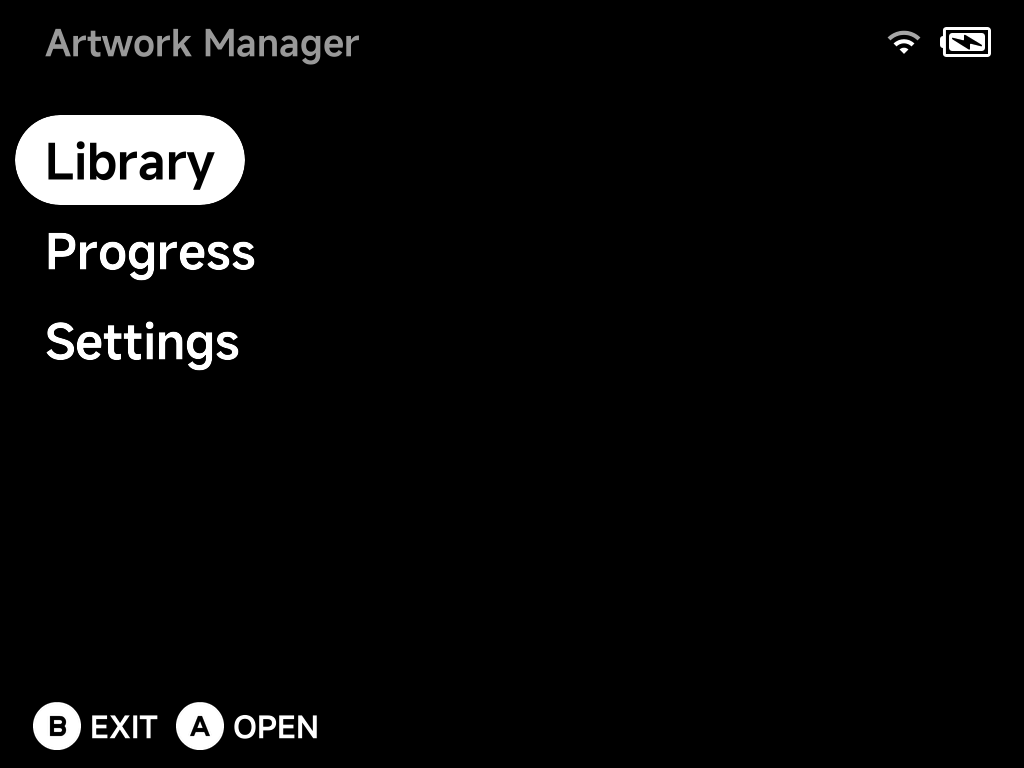
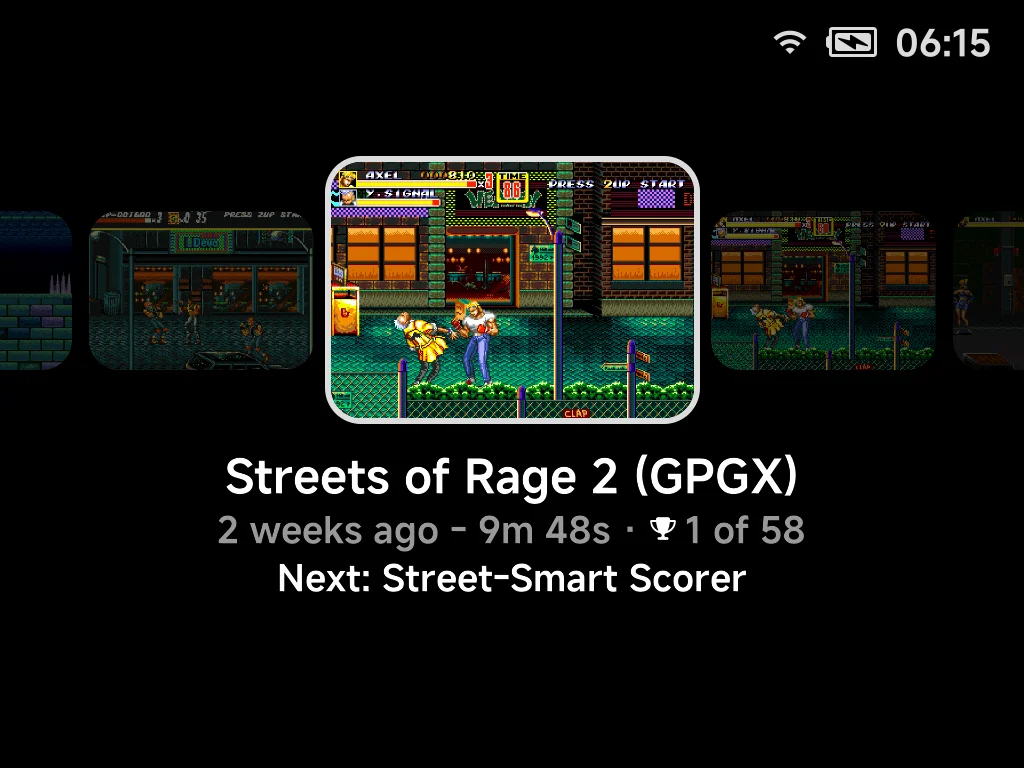
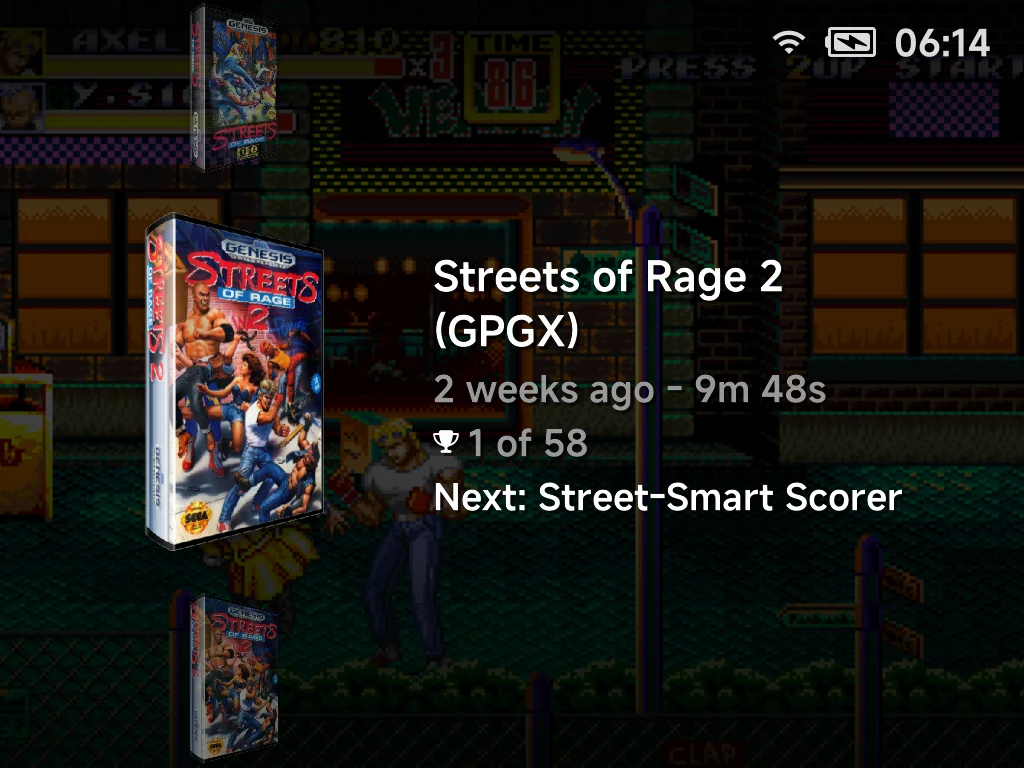
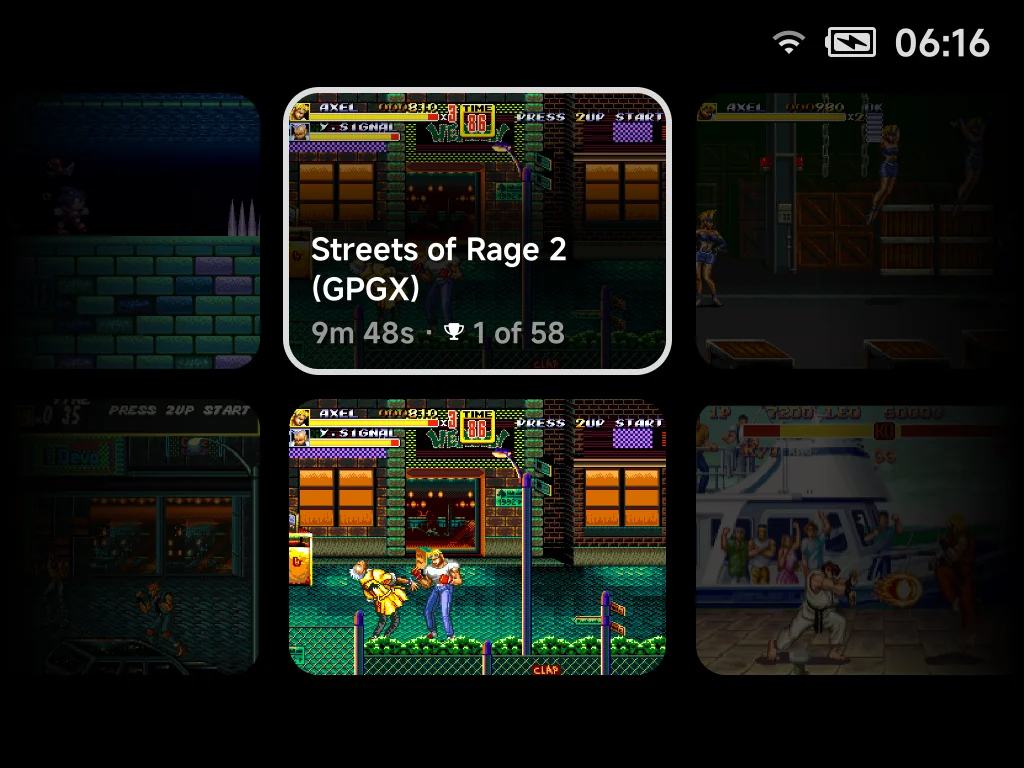
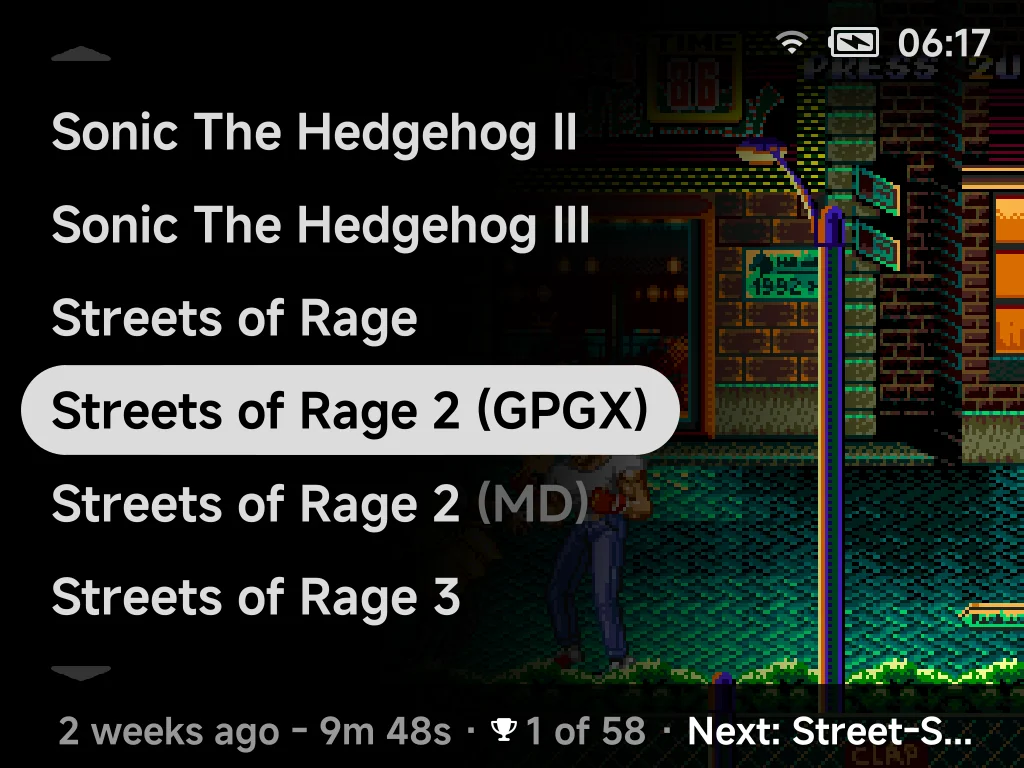
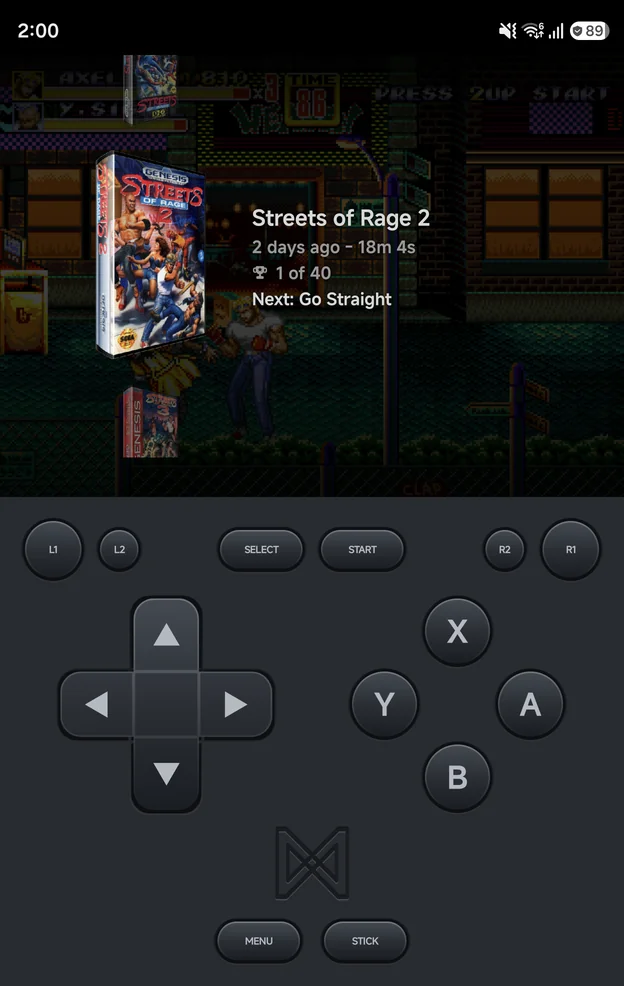
A plain list of names? Not for long. Grab screenshots and box art for a whole system in one go, and every layout puts them to use. Use the Artwork Manager
Handheld
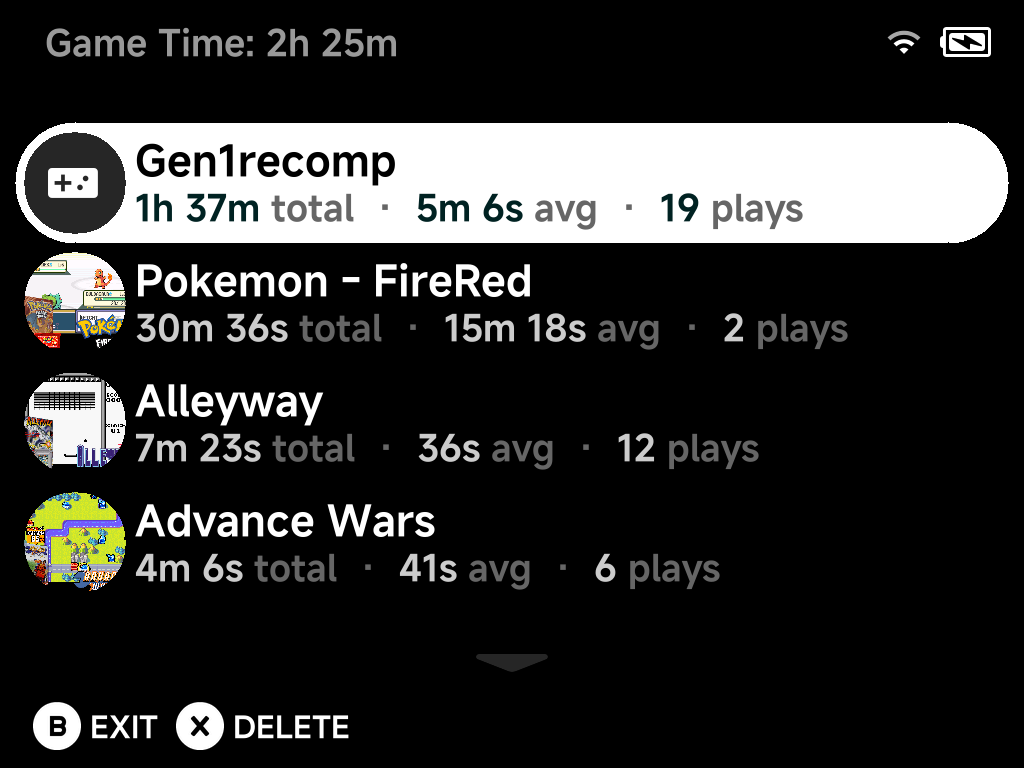
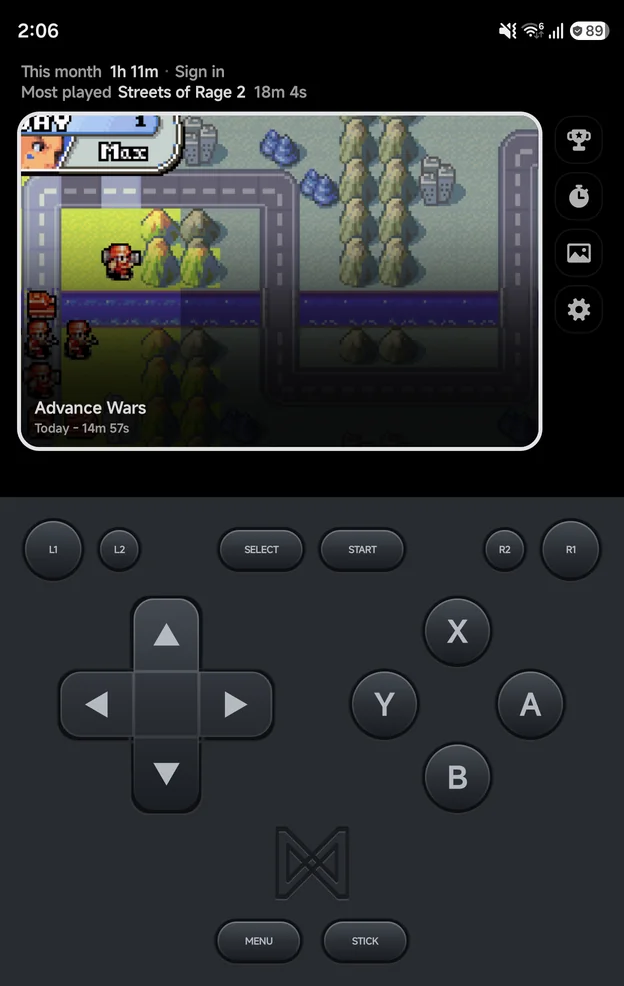
See exactly how much time you've "wasted" (we call it well spent). Total time, average session and play count for every game. Open the Game Tracker
Handheld
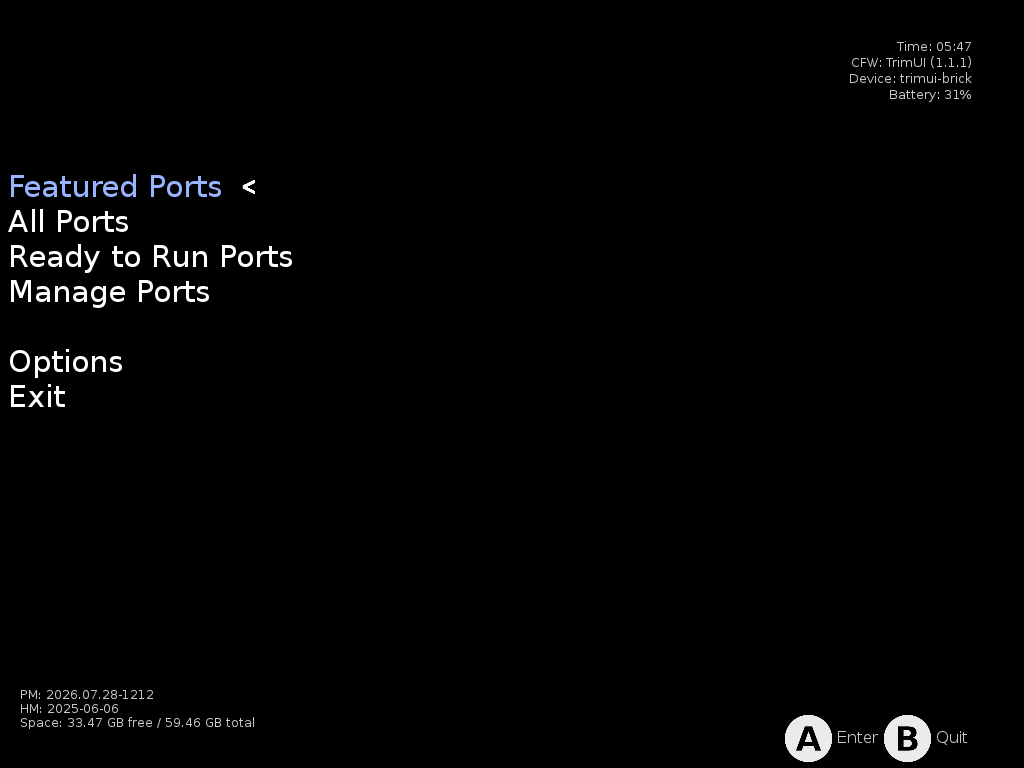
Played everything already? Install PortMaster from the Xtras store and dig into hundreds of community game ports. Get PortMaster
Handheld
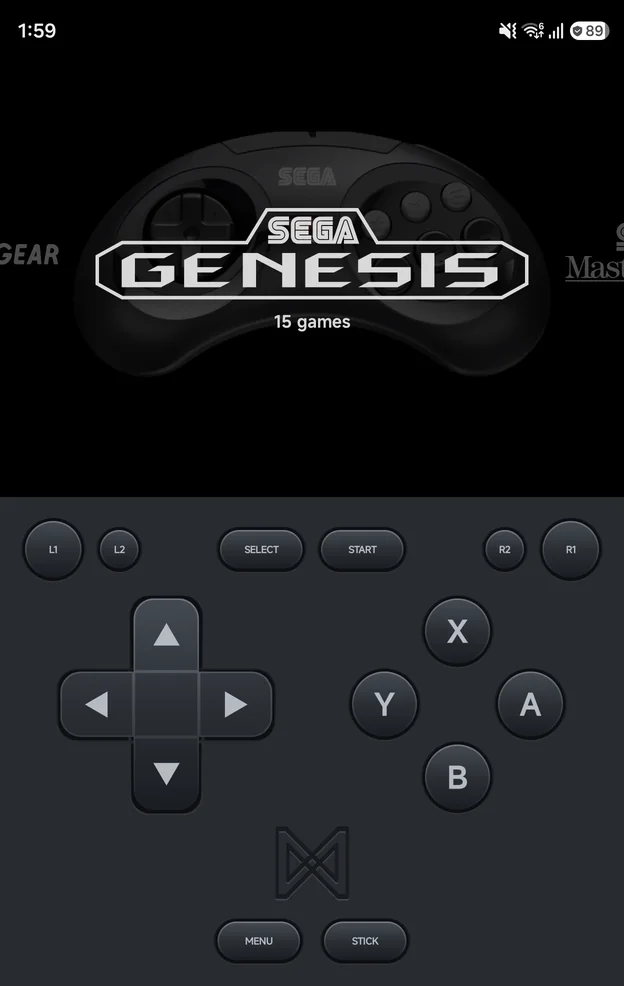
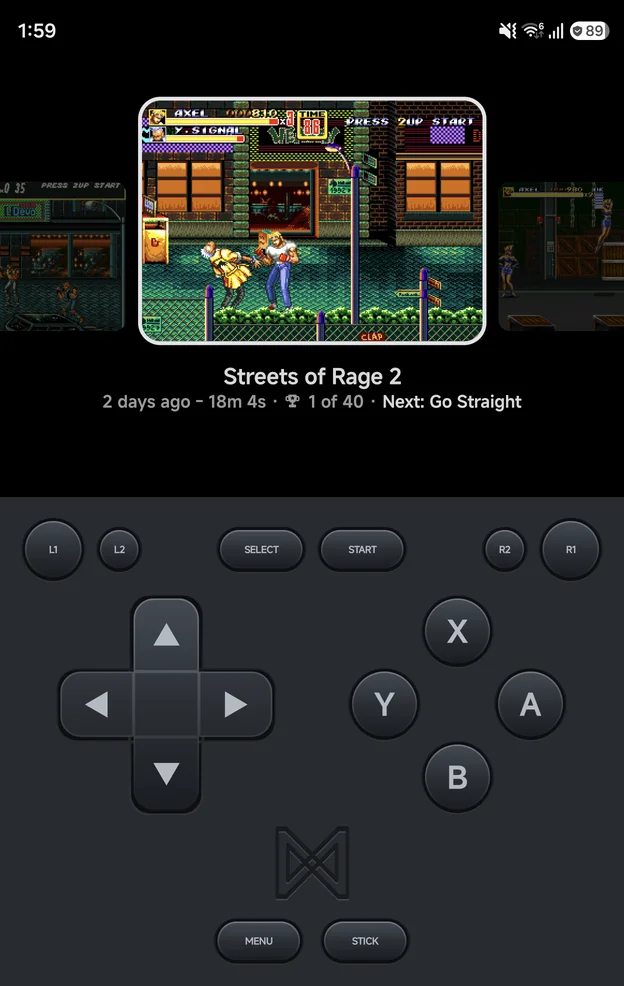
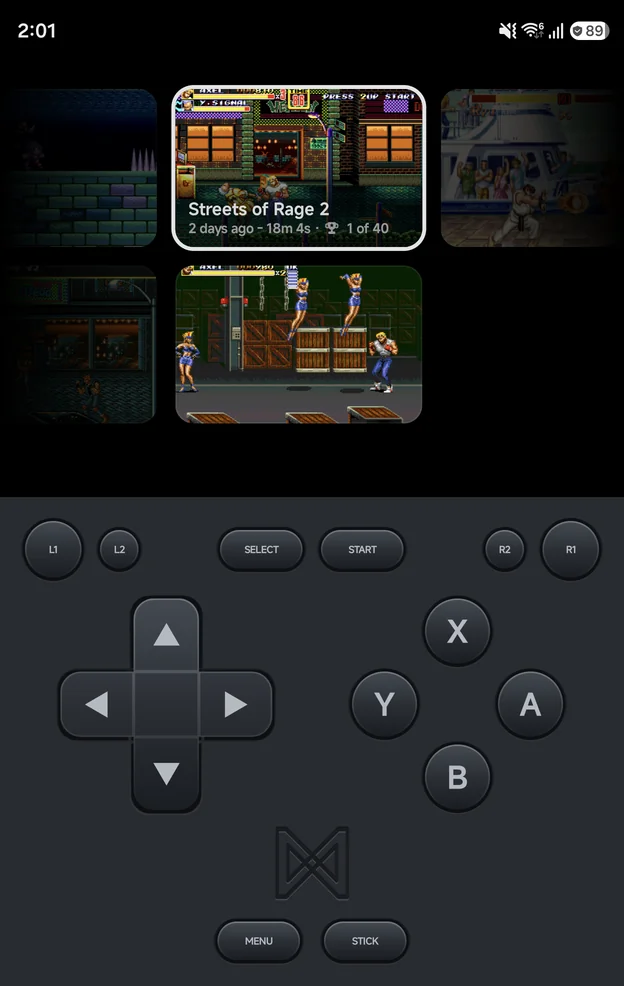
Try the new main menu
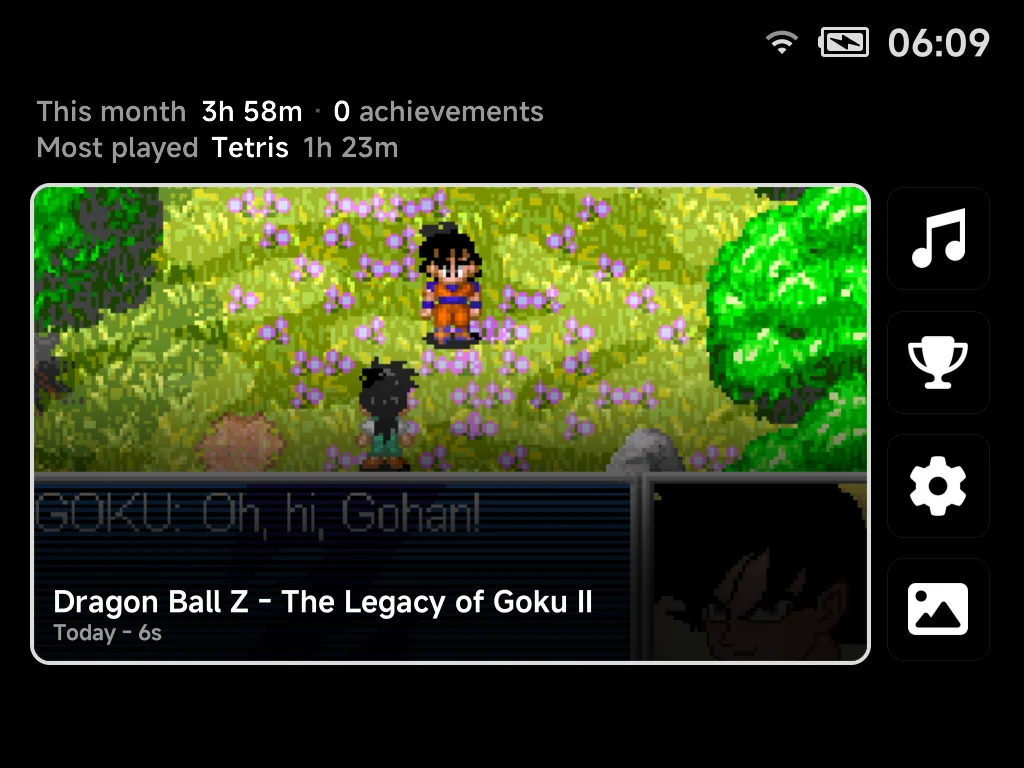
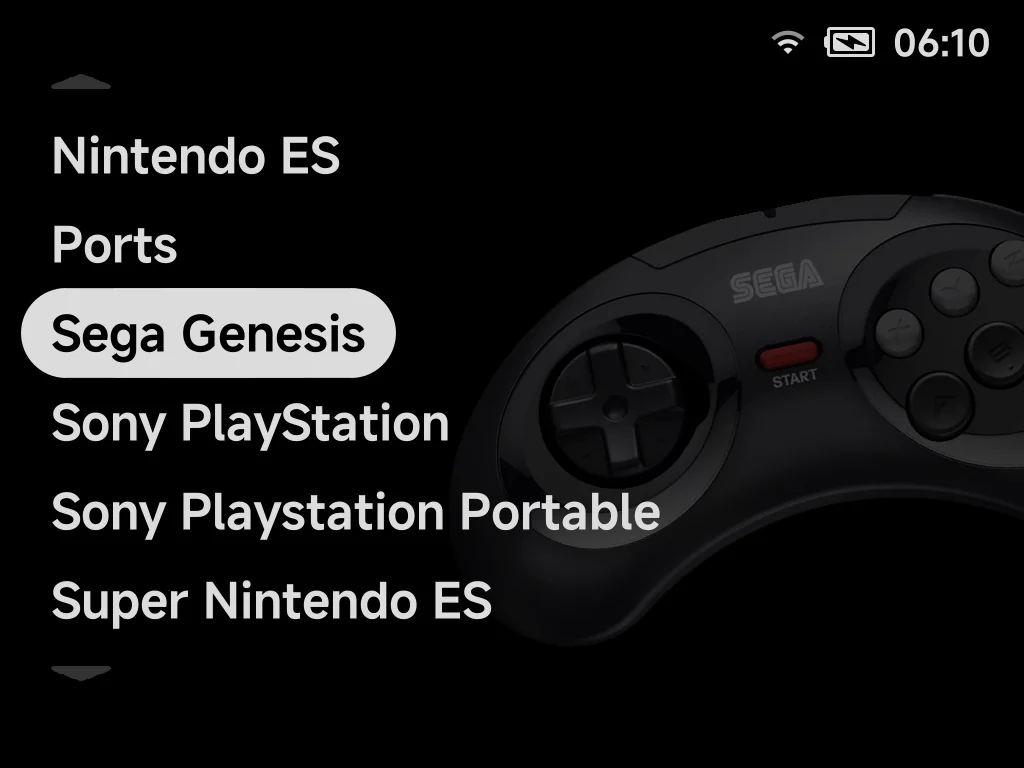
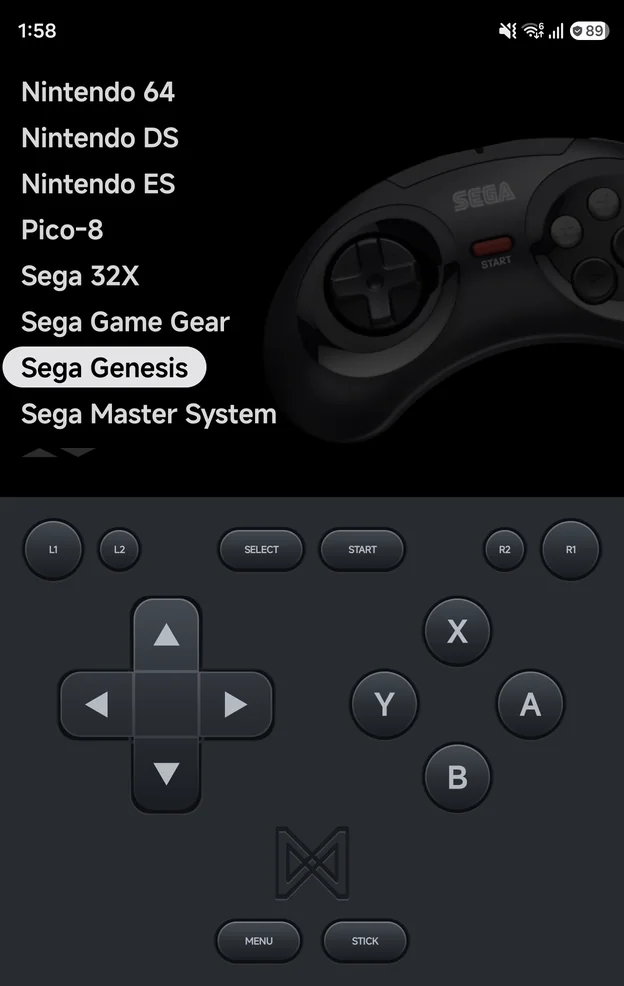
The same Home, tabs and layouts on TrimUI handhelds and Android phones. Pick a layout for each tab, switch between landscape and portrait, and move around with the pad or your keyboard.