Device Sync
Tools → Device Sync moves your data between two NX Redux devices over Wi-Fi. It is the supported way to carry your progress to another device.
SD cards are built for one device model, so don't swap them between devices.
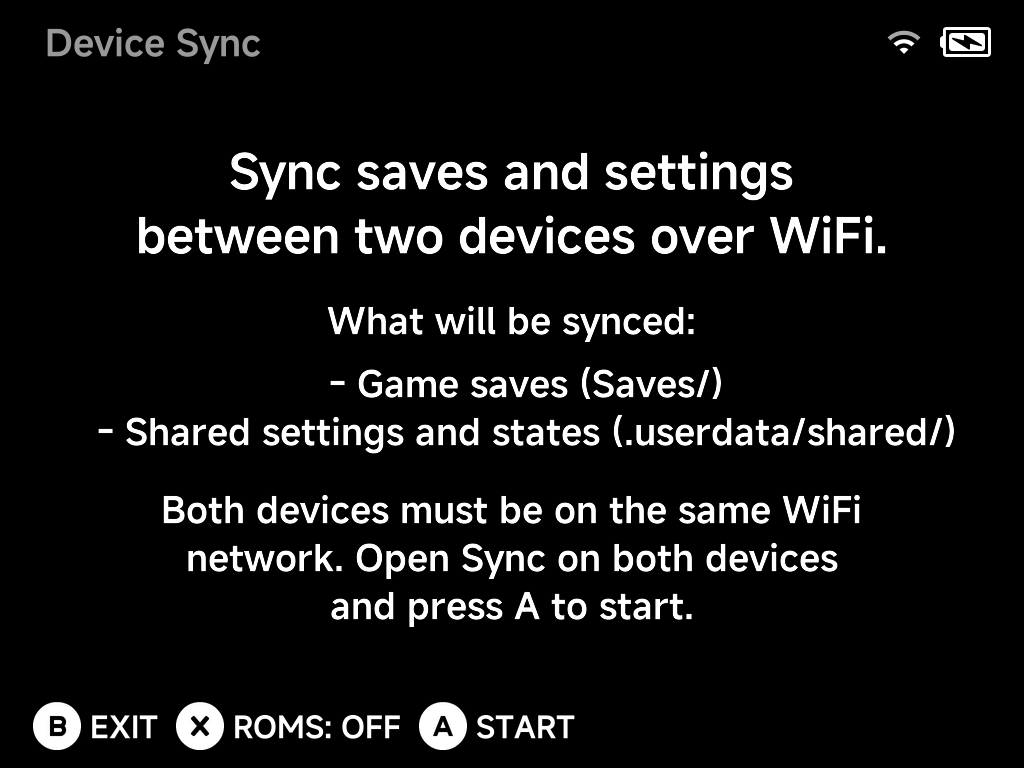
What gets synced
- Game saves (
Saves/) - Shared settings and states (
.userdata/shared/) - ROMs — optional: press
Xto toggleROMS: OFF/ONbefore starting.
How to sync
- Connect both devices to the same Wi-Fi network.
- Open Tools → Device Sync on both devices.
- Press
AStart on both — the devices find each other and sync.
Note
Device Sync needs an active Wi-Fi connection. If Wi-Fi is off or not connected, the tool asks you to turn it on first. The quickest way is the Wi-Fi toggle in the OSD.