Input Tester
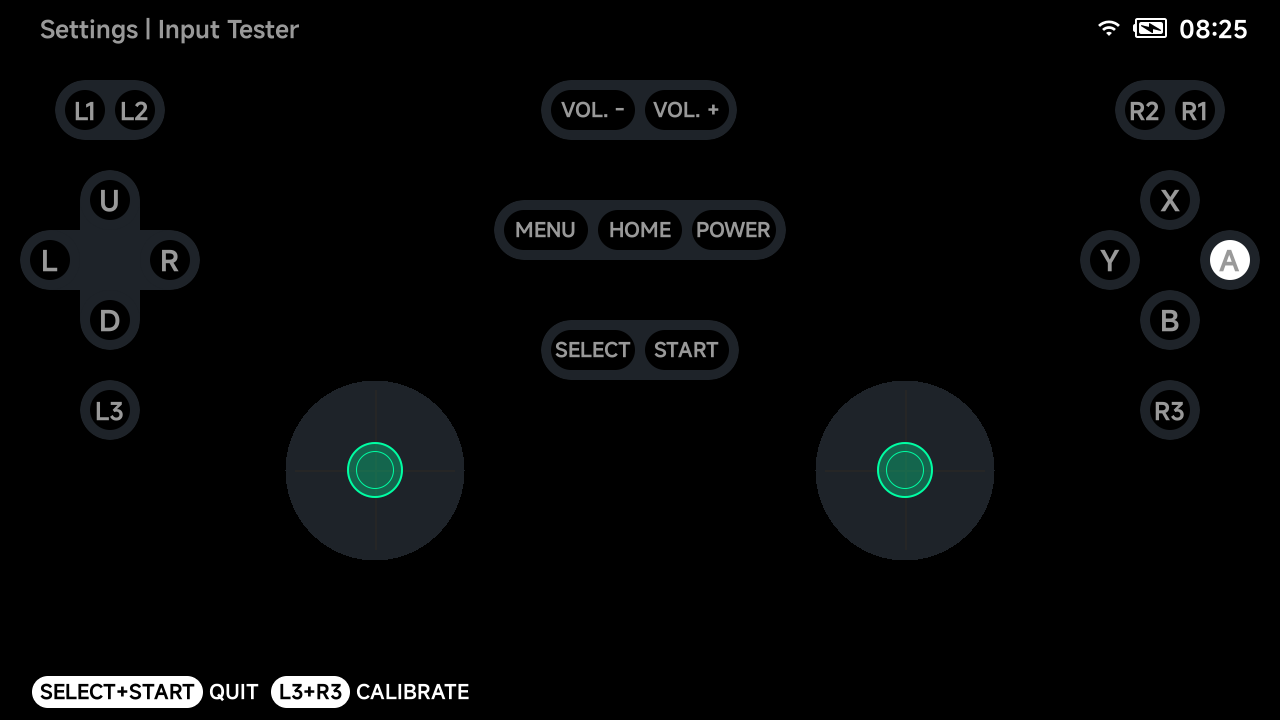
A live test screen for every input. Pressed buttons, D-pad directions and
stick clicks light up as you press them. Quit with SELECT + START.
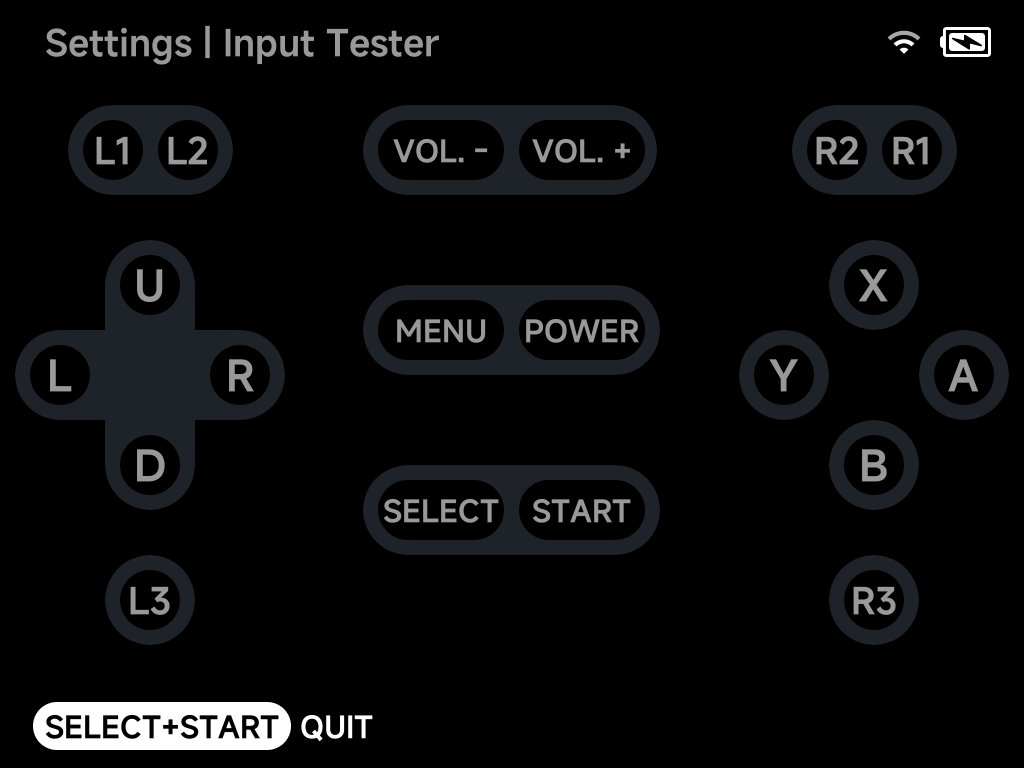
The layout matches the device. On a Smart Pro S the two analog sticks are shown with live position indicators:
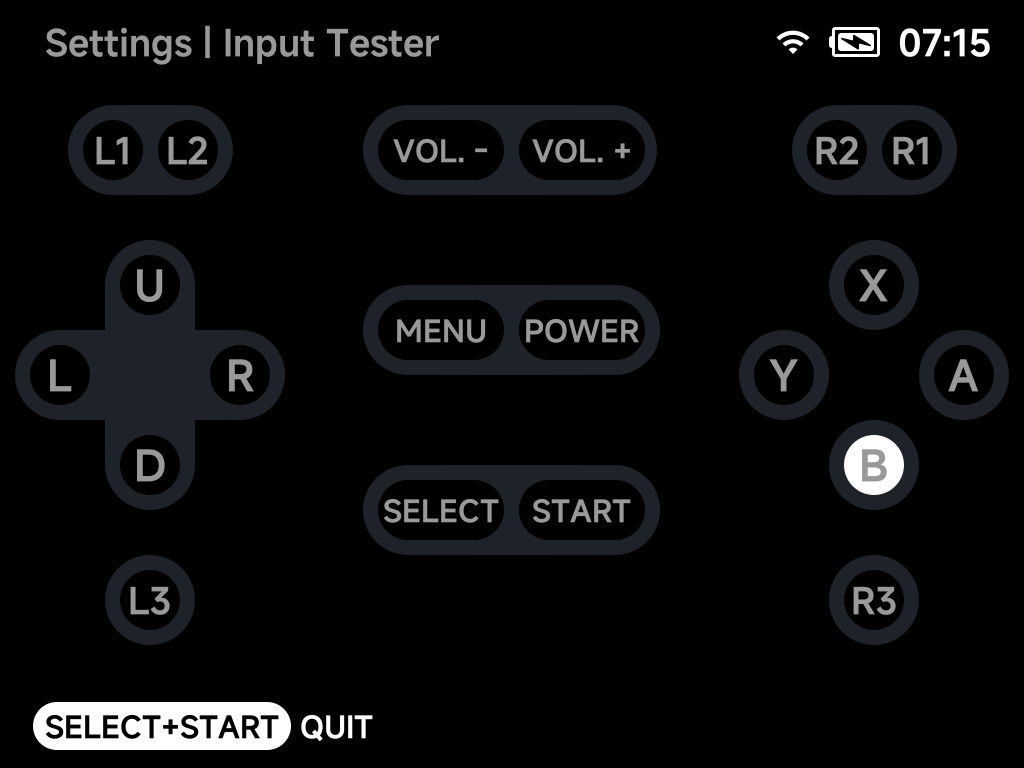
The circles are drawn where the buttons sit on the device. Under the Xbox Button Layout the bottom circle is the one that lights when you press the bottom button, labelled the way your hints are:
Joystick calibration
On devices with analog sticks (Smart Pro, Smart Pro S, Brick Pro), press
L3 + R3 in the Input Tester to start the guided joystick calibration.
Follow the on-screen instructions to re-center and range-calibrate the
sticks.