Nintendo 3DS
Nintendo 3DS games run on the bundled Azahar core. The core draws both screens itself.
| Azahar | |
|---|---|
| Folder | Roms/Nintendo 3DS (3DS)/ |
| BIOS | Not needed |
| File types | Decrypted 3ds cci cxi 3dsx, and their compressed versions zcci zcxi z3dsx |
- Encrypted games don't load. Decrypt them first.
.ciainstall files are not supported.- 3DS games are not on RetroAchievements in the app, and have no cheats.
Controls
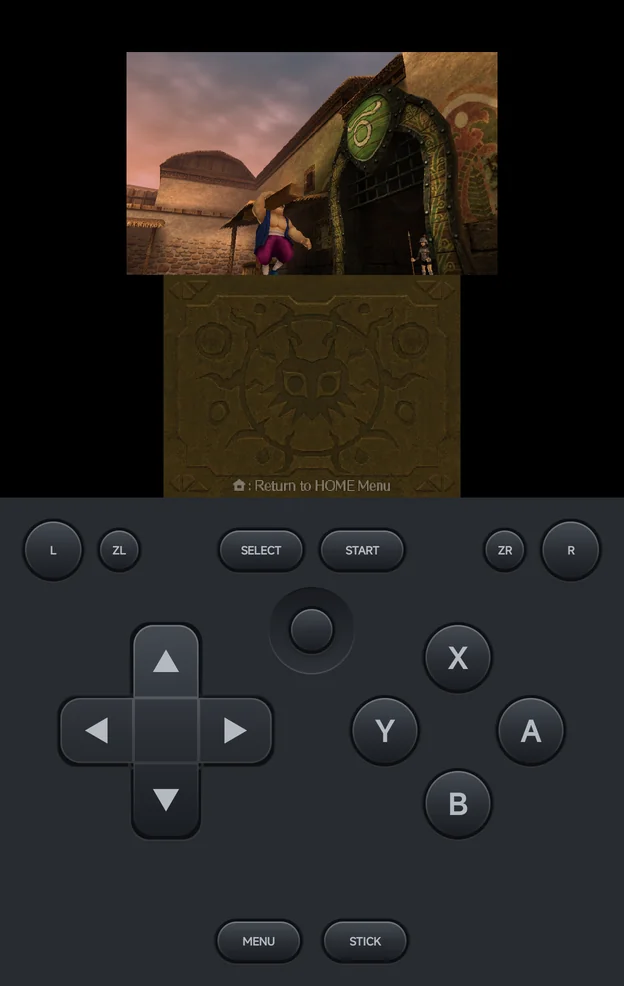
The 3DS has its own on-screen pad: the d-pad, or the Circle Pad with
STICK / D-PAD, A, B, X and Y where they sit on a 3DS, L, R,
SELECT, START and MENU.
The 3DS shortcuts are all SELECT combos, because L2 and R2 are the
3DS's own ZL and ZR:
| Buttons | What they do |
|---|---|
SELECT + R1 |
Swap the screens. |
SELECT + L1 |
Turn stylus mode on or off. |
SELECT + LEFT / RIGHT |
Change the layout: Top over bottom, Large screen, Side by side, Single screen, and round again. |
SELECT + START, or MENU |
Open the in-game menu. |
A controller adds:
| Control | Nintendo 3DS |
|---|---|
L2, R2 |
ZL, ZR, also on controllers whose triggers are analog only |
| Left stick | The Circle Pad |
| Right stick | The C-stick, and the touch cursor |
R3 (press the right stick) |
Tap at the cursor |
L3 (press the left stick) |
Swap the screens |
A controller's face buttons work as printed: its A is the 3DS's A. To
play with the 3DS's own positions on an Xbox pad (A on the right), set
Controller Layout to Nintendo in Options → Console Settings; see
Controls.
SELECT waits
Many 3DS games pause on Select, so the game never sees SELECT while you
hold it:
- Tap it and the game gets
SELECTwhen you let go. - Hold it longer than 1 second without a combo and nothing is sent.
- After a combo (
SELECT+R1,L1,LEFT,RIGHTorSTART) the game gets nothing.
Motion
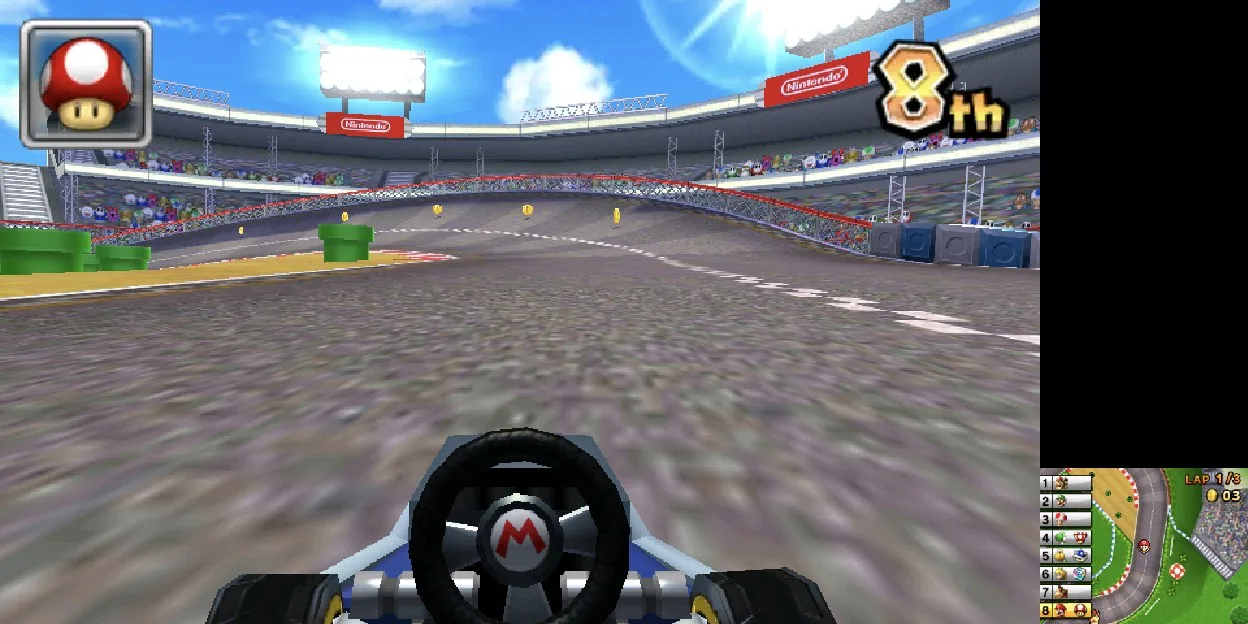
Games that use the 3DS's gyroscope and tilt read your phone's: turn or tip the phone the way you would turn or tip a 3DS. In Mario Kart 7's first-person view, for example, you steer by turning the phone.
- Motion is always on, like on a 3DS. There's no setting for it.
- It works in portrait and in both landscape directions.
- The game reads the phone's tilt as it is. Hold the phone the way the game expects, as you would a 3DS.
- The sensors only run while you play. They stop while the game is paused, in the in-game menu, or in the background.
- On a phone without a gyroscope, tilting still works, but aiming by turning the phone does nothing.
New 3DS controls
New 3DS Controls adds ZL and ZR and the C-stick to the on-screen pad.
Set it for the console in Emulator Settings, or
in the in-game menu under Options → Console Settings, where
Save Changes keeps it for the game or the
console:
| Value | What the pad shows |
|---|---|
| Auto (default) | The extra controls for games known to use the C-stick, ZL / ZR or the Circle Pad Pro, such as Majora's Mask 3D (camera), Monster Hunter 4 Ultimate and Xenoblade Chronicles 3D. |
| On | The extra controls for every game. |
| Off | No extra controls. |
ZLandZRsit whereL2andR2are on other consoles.- The C-stick is centred under
SELECTandSTARTin portrait, and at the top left of the face buttons in landscape. - A change in the in-game menu updates the pad straight away.
- A controller's right stick,
L2andR2always reach the game, whatever the setting.
Azahar runs as a New 3DS, so Circle Pad Pro games work without extra setup.
More detail
Auto finds the game by the title ID in .3ds, .cci and .cxi
files. It can't read the compressed zcci, zcxi and z3dsx files or
3dsx files, so for those set On yourself.
Stylus mode
Azahar draws its own touch cursor on the bottom screen. In stylus mode:
| Control | What it does |
|---|---|
| D-pad or left stick | Move the cursor. The d-pad speeds up the longer you hold it. |
A |
Tap at the cursor. |
SELECT + L1 |
Turn stylus mode off again. |
Stylus mode is off each time a game starts, and is not saved.
Screen layout
SELECT+LEFT/RIGHTsaves the layout for the game straight away, without Save Changes.- The layout is Azahar's Screen Layout option, so you can also set it in Core Options, or for the console in Emulator Settings.
- Screen Swap Mode in Core Options sets whether the swap toggles (the default) or lasts only while you hold the buttons.