F1 / F2 Keys
Give the two extra F1 and F2 keys a job on the main menu. Assign each one a tool, then press it anywhere while browsing to launch that tool. When you exit, you're right back where you were.
(Brick and Brick Pro only; other devices don't have the F keys. In games the keys stay free for emulator shortcut bindings, so this page only affects the menus. Hidden in Simple Mode.)
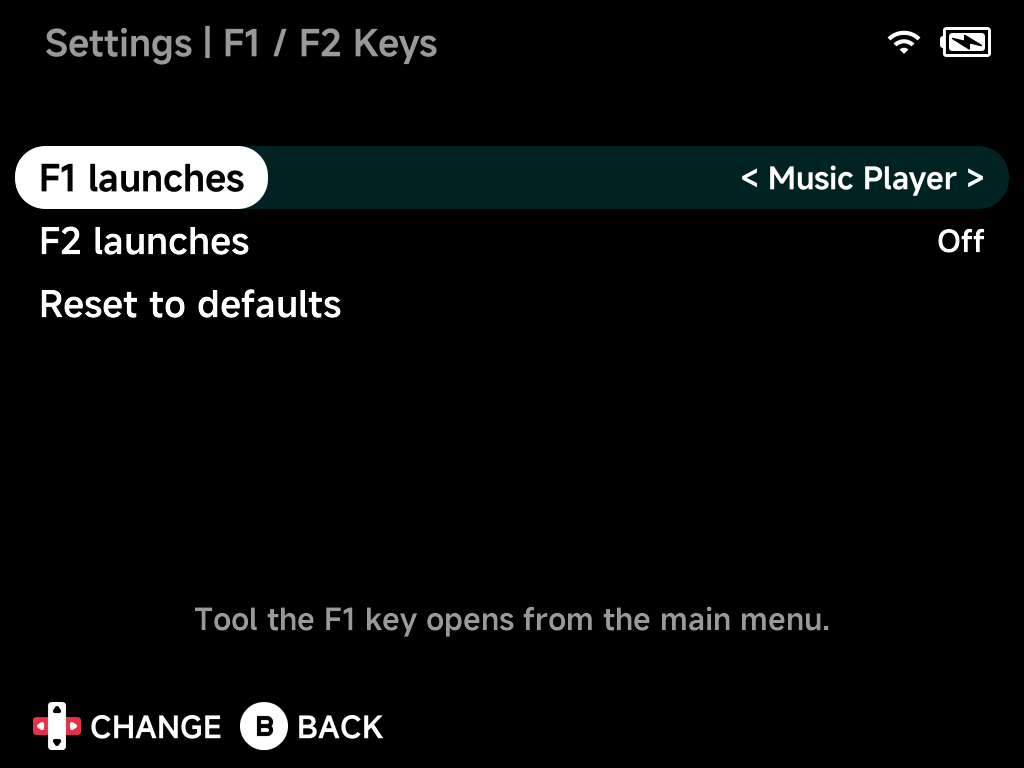
F1 launches / F2 launches
Pick any installed tool, or Off to disable the key. The list offers the
same tools as the Tools menu. If an assigned tool is later uninstalled, the
key goes back to doing nothing.
Reset to defaults
Sets both keys back to Off.