Emulator Options
Emulator behavior (video scaling, core-specific tweaks, controls, shaders) can be configured in three places, each with its own scope. Per-game settings override the system-wide ones.
| Where | Scope | Shows |
|---|---|---|
| Tools → Emulator Settings | Every game on a system | All options |
| Context menu → Emulator Options | One game | All options |
| Pause menu → Options | The current session, until you save | Core Options that apply without a restart only |
System-wide: Tools → Emulator Settings
Emulator Settings sets the defaults for a whole system. Every game on that emulator uses these unless it has its own override:
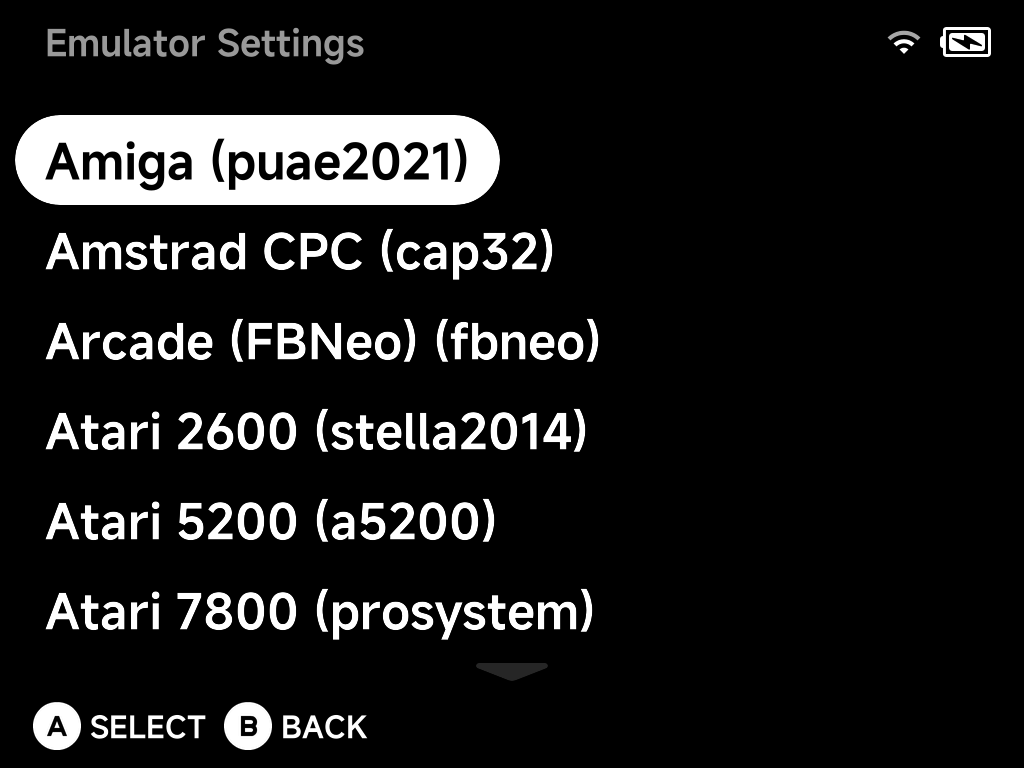
This editor shows the complete option set for the emulator, including options that require a core restart to apply.
Per-game: the context menu
Emulator Options in a game's context menu edits the same complete option set. The result is saved for that game only, overriding the system-wide defaults:
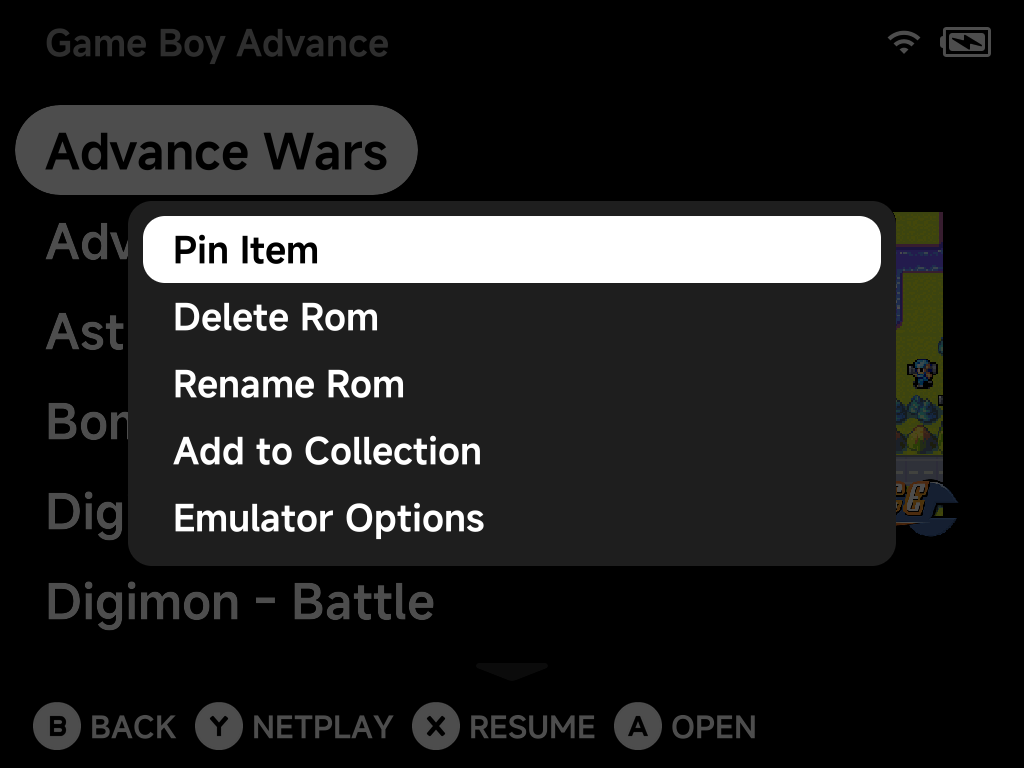
Use this for the one game that needs a different scaler, region or performance tweak without touching the rest of the library.
In-game: the pause menu
While playing, press MENU and choose Options to change settings live:
Frontend (video/UI), Core Options, Shaders, Cheats, Controls, Shortcuts and
Achievements. Every entry except Core Options is covered in
In-game Options:
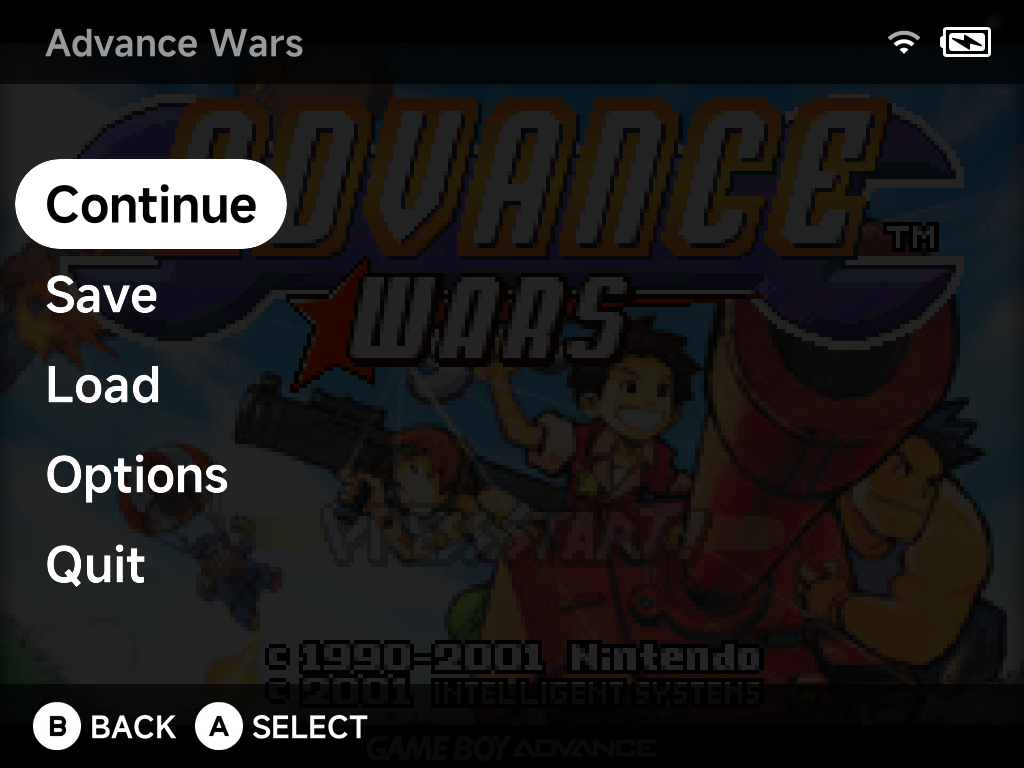
The in-game Core Options list shows only the options that apply without restarting the core. Changes take effect immediately as you play.
Can't find an option in-game?
Options that need a core restart or content reload are hidden here. Set them from the context menu or Emulator Settings instead, which always show everything.
How the layers combine
- Emulator Settings writes the system-wide config for that emulator.
- Emulator Options (context menu) writes a per-game config next to it. When present, the per-game file wins for that game.
- In-game changes apply only to the current session until you use Options → Save Changes: Save for console writes the system-wide config, Save for game writes the per-game one.