Network
Wi-Fi configuration. The OSD's Wi-Fi toggle flips the same radio from anywhere.
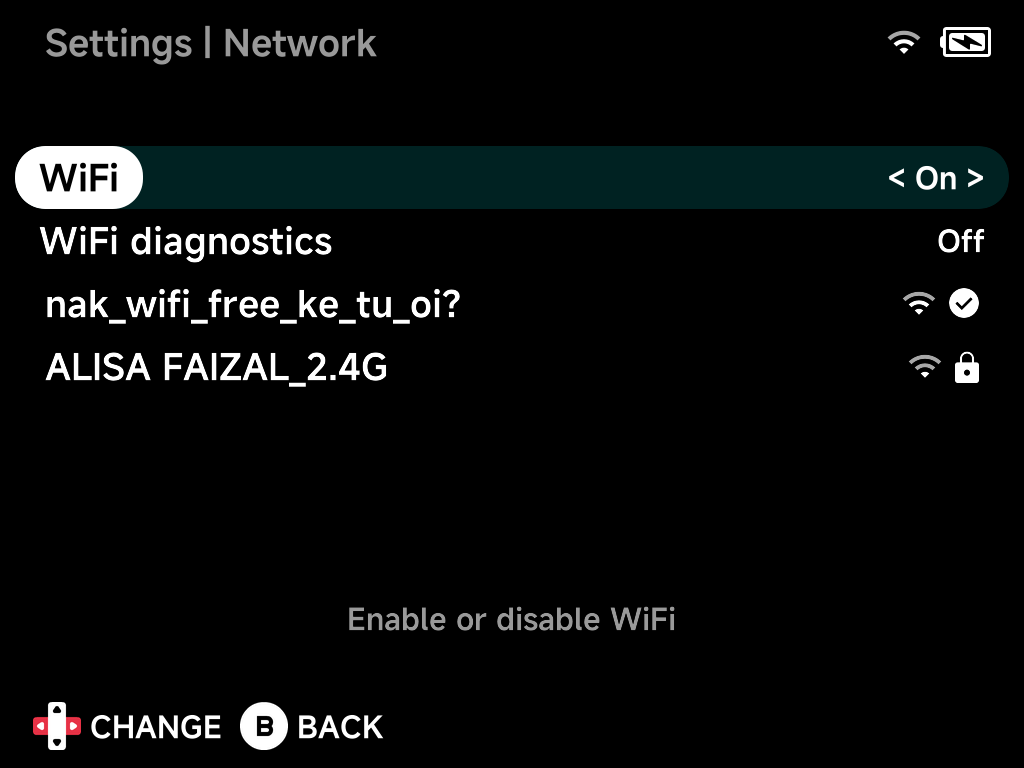
WiFi
Enable or disable Wi-Fi.
WiFi diagnostics
Extra Wi-Fi logging for troubleshooting.
Network list
With Wi-Fi on, nearby networks are listed with signal strength and lock icons. The connected network shows a check mark, and its hint shows the current IP address.
Select a network to connect, entering the password with the on-screen keyboard. A known network offers Forget.