Developer
Developer and debugging tools.
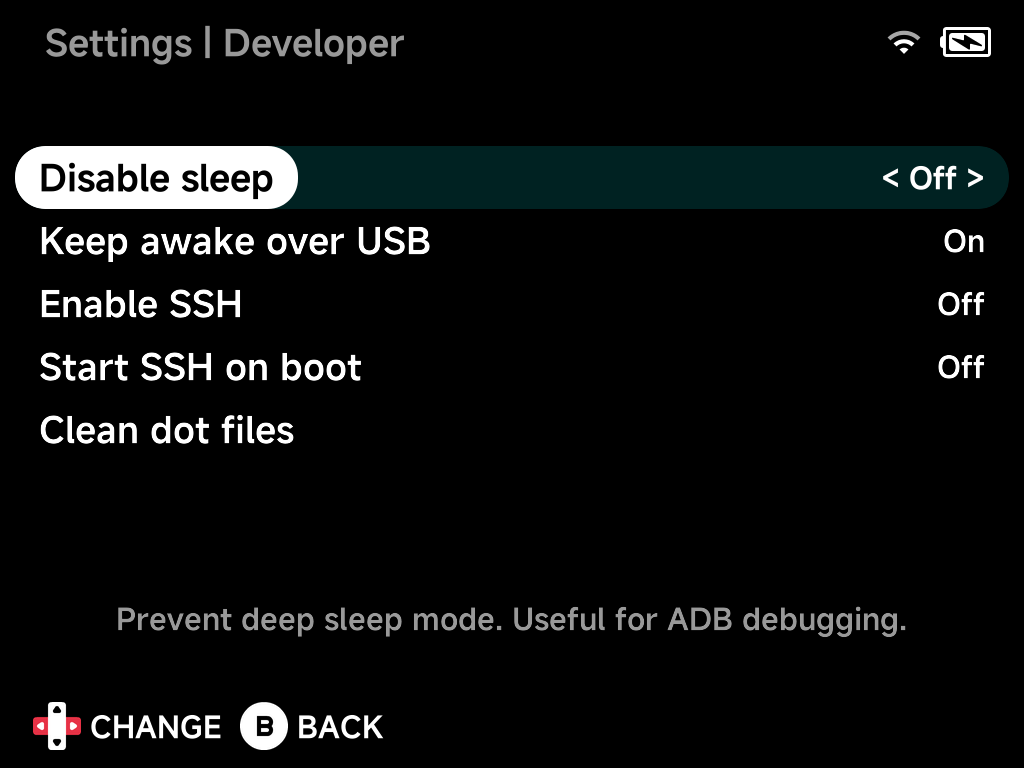
Disable sleep
Prevent deep sleep mode. Useful for ADB debugging.
Keep awake over USB
Keep the screen on and block sleep while connected to a computer over USB.
Enable SSH / SFTP
Start or stop the SSH server, which also serves SFTP for file transfer. While
it is running the hint shows the login with the device's current IP address.
The username is root. On Brick and Brick Pro the password is tina; Smart
Pro S needs no password.
ssh root@192.168.1.8
sftp root@192.168.1.8
To browse the SD card from a computer with an SFTP client such as FileZilla, see Accessing Your Files.
Start SSH / SFTP on boot
Automatically start SSH and SFTP when the device boots.
Debug logging
Save app and game logs to the SD card under .userdata/<platform>/logs/.
Turn this on when you need to capture a log for a bug report. It takes effect
on the next launch, no reboot needed.
Off by default. Logs then live only in RAM (/tmp/nx-logs), are cleared on
every launch, and never touch the SD card. Turning it on also enables the
shutdown trace written by the power-off sequence.
Clean dot files
Remove macOS junk files copied to the SD card (.DS_Store, ._*,
.Trashes, and friends).