Simple Mode
Simple Mode is a simplified menu for children or casual users, enabled in Settings → Simple Mode.
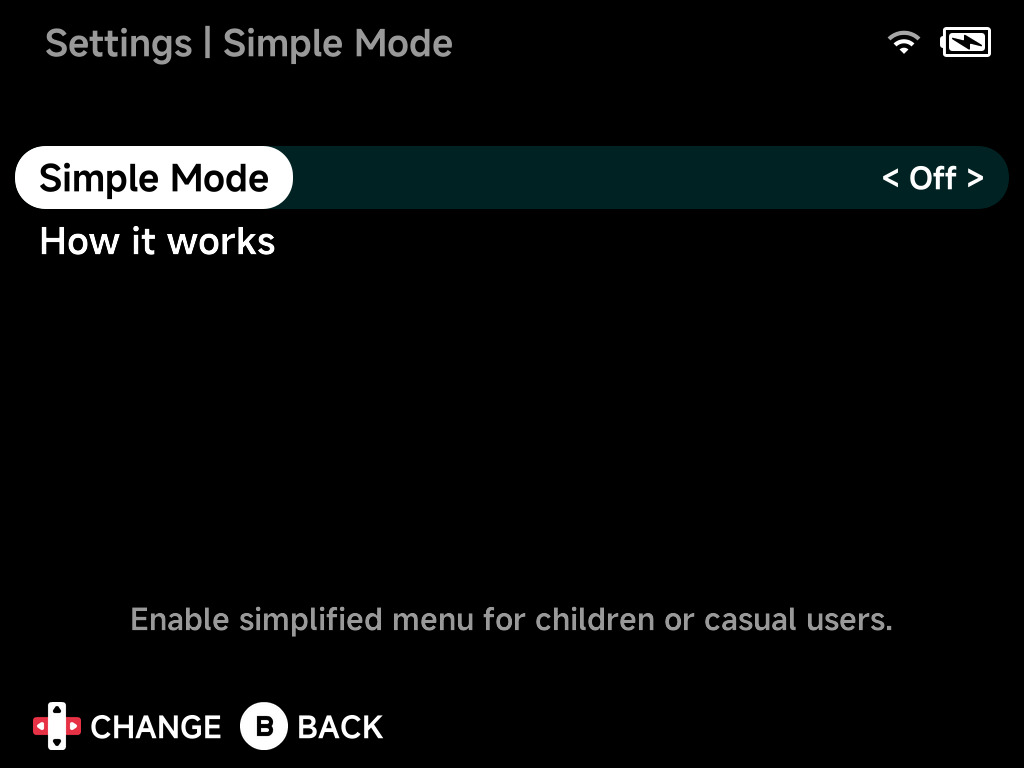
When Simple Mode is on:
- The Tools tab lists only Settings, whatever the Tools tab setting says.
- Settings is protected by a 4-digit PIN that you set when enabling Simple Mode. Only you can turn it back off.
- Games and tools can't be pinned or unpinned, and collections can't be renamed or deleted, so a curated Home stays as you set it up.
- A game's MENU has no Delete Rom, Rename Rom, Add to Collection, Emulator Options, Launch Options or Fetch Artwork, so games and their settings stay as you left them.
- In-game, Options is replaced with Reset, so there are no settings to wander into mid-game.
- The F1 / F2 tool keys do nothing, and Settings hides Emulator Shortcuts and F1 / F2 keys.
Forgot the PIN?
Delete .userdata/shared/enable-simple-mode from the SD card (from a
computer) to turn Simple Mode off.