PlayStation
PlayStation games run on the bundled PCSX-ReARMed core. Games in a
PSX folder run on SwanStation, as on the handheld.
| PCSX-ReARMed | SwanStation | |
|---|---|---|
| Folder | Roms/Sony PlayStation (PS)/ |
Roms/Sony PlayStation (PSX)/ |
| BIOS | Optional: a BIOS is built in. A real one in Bios/PS/ (psxonpsp660.bin, scph101.bin, scph5501.bin, scph7001.bin or scph1001.bin) is used when present. |
Needed: scph5500.bin (Japan), scph5501.bin (USA) or scph5502.bin (Europe) in Bios/PSX/ |
| File types | chd cue bin img iso pbp toc mdf cbn m3u |
chd cue bin img iso pbp ecm mds m3u |
Use a real BIOS
The built-in BIOS plays most games, but some only work with a real one.
To pick the emulator for a folder without a tag, or for one game, see Choosing an emulator. PlayStation games also play over Netplay.
Controls
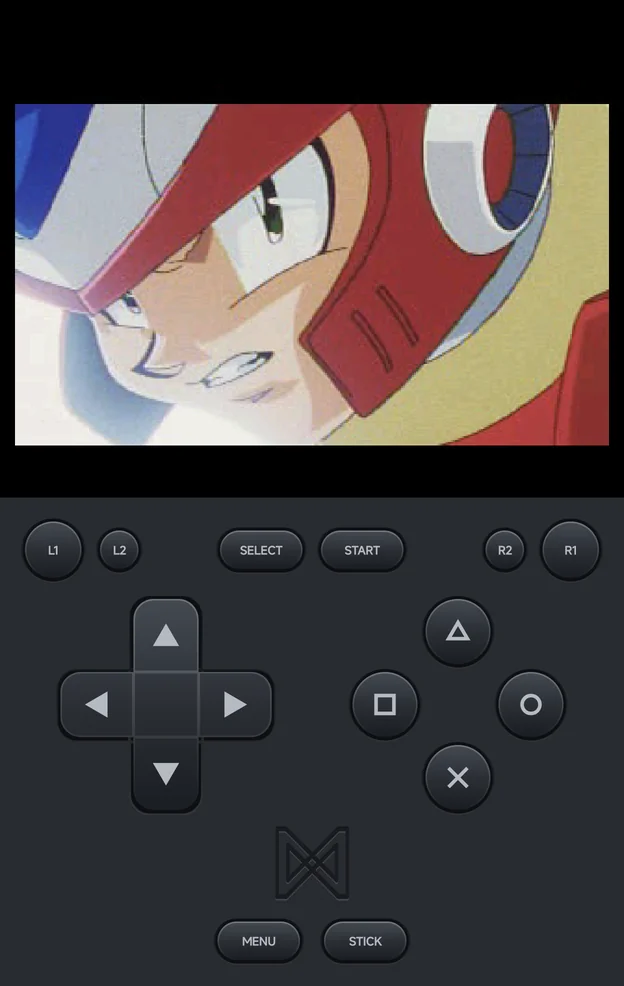
The face buttons map to the PlayStation buttons by position:
| Position | PlayStation button |
|---|---|
| Bottom | Cross (×) |
| Right | Circle (○) |
| Top | Triangle (△) |
| Left | Square (□) |
| Control | PlayStation control |
|---|---|
| D-pad | D-pad |
| Left and right sticks | The DualShock's analog sticks |
L1, R1, L2, R2 |
L1, R1, L2, R2 |
START, SELECT |
START, SELECT |
- The on-screen pad draws
×○△□. In the app's menus,×confirms and○goes back. - The game sees a DualShock pad, so games with DualShock rumble rumble.
MENU, orSELECT+START, opens the in-game menu.- Two players can play, each on their own controller. Player 2 gets the same DualShock pad as Player 1. See Local Multiplayer.
Multi-disc games
Put a multi-disc game in an .m3u that lists its discs, or use a multi-disc
.pbp. The in-game menu then has a Disc row to change disc; see
Multi-disc games.
Limits
- PlayStation
.exehomebrew doesn't load.