Settings
Open Tools → Settings for the app's settings. They are split into five sections.
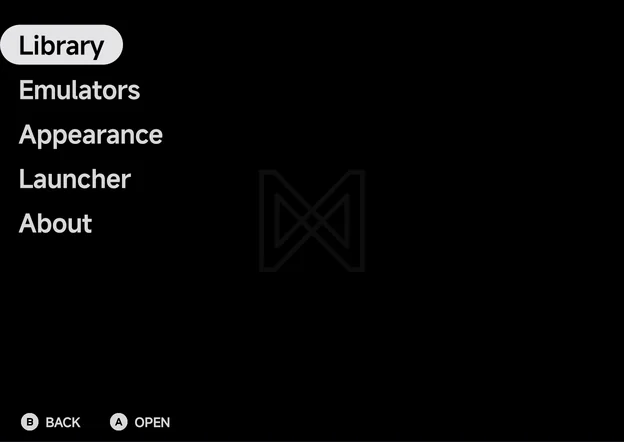
| Section | What it holds |
|---|---|
| Library | Rescan library, your ROM folders, and the Unassigned and Hidden games |
| Emulators | Default emulators, and Settings for each emulator's options |
| Appearance | Pad theme, UI Scale, Accent, Secondary accent and Layouts |
| Launcher | Use the app as your home screen, and pick Android apps and games |
| About | The app's version and your device's details |
- Press
AOpen to open a section, andBBack to leave it. - On a page,
ASelect runs the highlighted row or steps it to its next value;LeftandRightstep a value too. The rows on About only show information. - In landscape on a wide screen, such as an unfolded Fold held sideways or most phones turned sideways, Settings shows the sections and the open page side by side. See Foldables & Large Screens.