Emulator Shortcuts
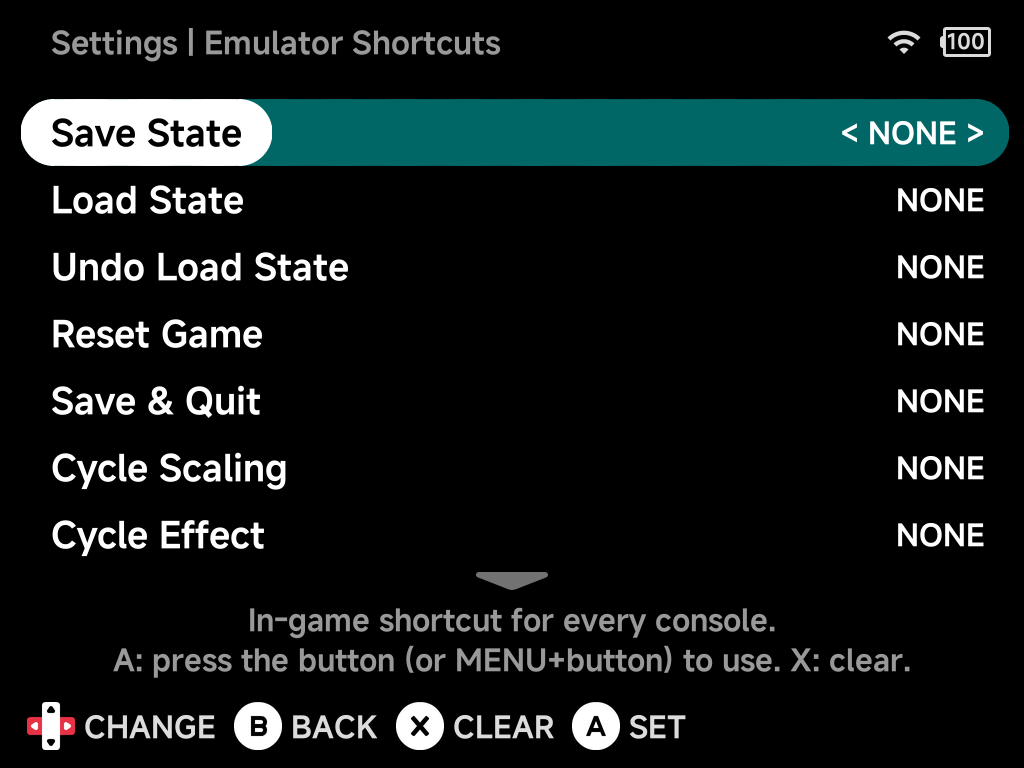
Hotkeys for actions during play: save states, fast-forward, rewind, turbo
and more. All are unbound (NONE) by default.
Shortcuts are global. One set applies to every console and every game on the device, so fast-forward bound once works everywhere. The page is hidden in Simple Mode.
Upgrading from an older version?
Shortcuts set before this version (in the in-game menu, per emulator or per game) are not carried over. Set them again here.
Binding a shortcut
- Press
Aon a shortcut, then press the button you want to use, or holdMENUand press a button for aMENU+ button combination. You have 5 seconds;Bcancels. LEFT/RIGHTsteps through the buttons instead.- Press
Xto clear a shortcut (NONE).
Prefer MENU + button combinations: a shortcut on a plain button the game
also uses does both, while a MENU + button shortcut doesn't press that
button in the game.
More detail
MENU+SELECTcan't be bound. It always opens the Game Switcher.- On the Famicom Disk System,
L1andR1are the disk buttons, so avoid binding them on their own.
Shortcuts
| Shortcut | Action |
|---|---|
| Save State / Load State | Save to / load from the current save state slot. |
| Undo Load State | Go back to where you were before the last Load State. |
| Reset Game | Restart the game. |
| Save & Quit | Save and exit the game. |
| Cycle Scaling | Step through the Screen Scaling modes. |
| Cycle Effect | Step through the Screen Effect modes. |
| Toggle FF / Hold FF | Fast-forward: toggle on/off, or only while held. |
| Toggle Rewind / Hold Rewind | Rewind: toggle on/off, or only while held. Needs Rewind turned on. |
| Game Switcher | Open the Game Switcher. |
| Screenshot | Take a screenshot. |
| Toggle Turbo A / B / X / Y / L / L2 / R / R2 | Turn turbo (rapid fire) on or off for that button. |
| Toggle D-pad Joystick | Make the D-pad drive the left analog stick, until you press it again. |
Toggle D-pad Joystick
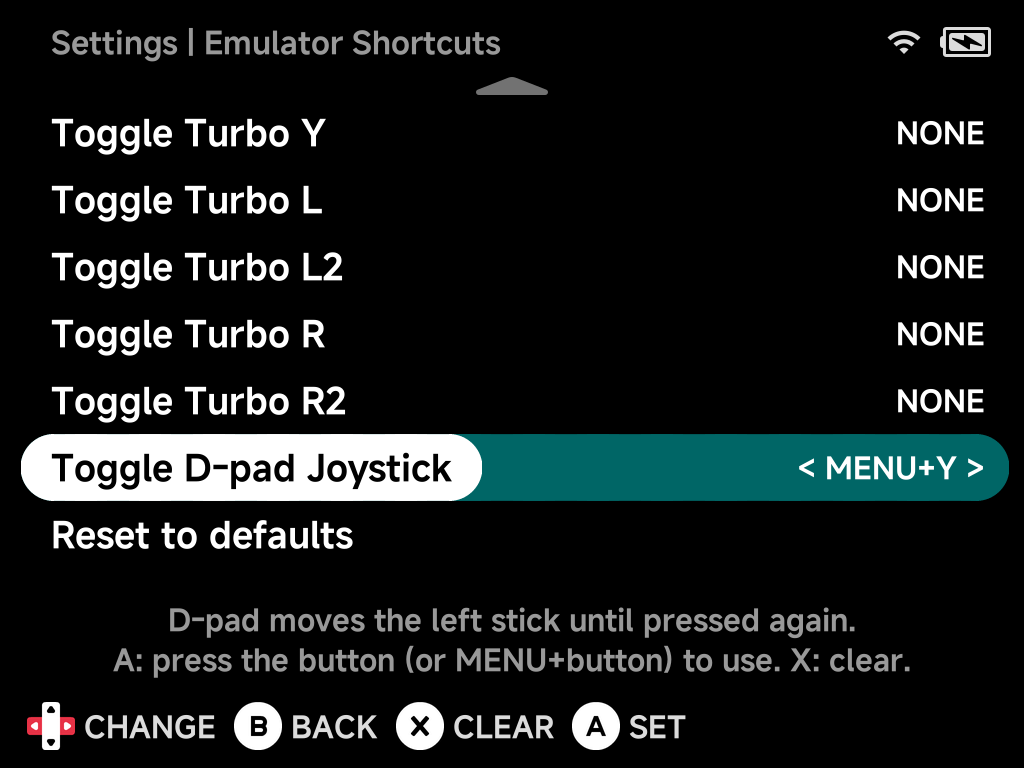
For games that expect an analog stick on a device without one, such as Nintendo 64 or PSP games on the Brick. While it's on, the D-pad moves the left stick instead of pressing the D-pad. A notification shows D-pad: Joystick or D-pad: D-pad each time you press it.
It is off every time a game starts.
Reset to defaults
Clears every shortcut.