Controls settings
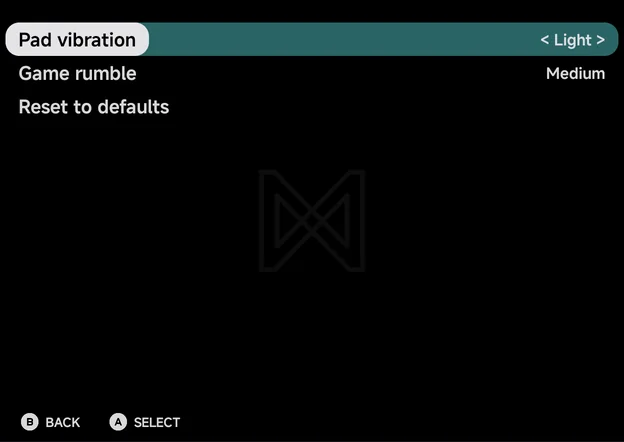
Tools → Settings → Controls sets how strong the vibration is. Right
and A step the highlighted row to its next value, and Left to the
previous one.
| Setting | Values | Default |
|---|---|---|
| Pad vibration | Off, Light, Medium, Strong | Light |
| Game rumble | Off, Light, Medium, Strong | Medium |
| Reset to defaults |
Pad vibration
A short tick when you press the on-screen pad. A controller never makes the phone tick. It also follows Android's touch feedback setting: with that off, the pad stays silent whatever you pick here.
When it ticks: see Controls → Pad vibration.
Game rumble
The game's own rumble, on the controller you play with when it has a motor, else on the phone. Changing the level plays a short pulse at that strength, so you can feel it. Off plays none. In a multiplayer game it sets the strength for every player.
Which consoles rumble, and the Nintendo 64's Rumble Pak: see Controls → Game rumble.
Reset to defaults
Puts Pad vibration and Game rumble back to their defaults. It does not ask first.