Bluetooth
Pair Bluetooth devices here. A connected audio device takes over sound output automatically; see Audio. The OSD has a quick Bluetooth toggle too.
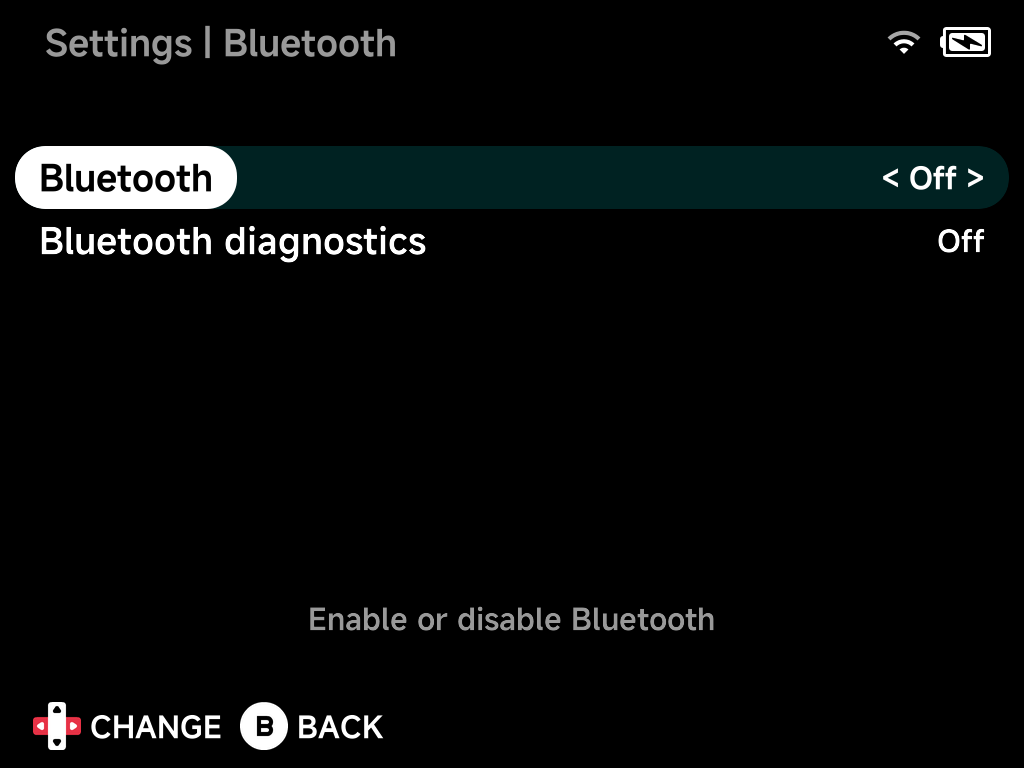
Bluetooth
Enable or disable Bluetooth.
Bluetooth diagnostics
Extra Bluetooth logging for troubleshooting.
Device list
With Bluetooth on, discovered devices appear below — select one to pair and connect.
Under the hood
After installing from a full release zip, NX Redux replaces the stock firmware's old Bluetooth stack with newer builds. This is what makes pairing and audio routing reliable.
More detail
The stock TrimUI firmware ships an old Bluetooth stack. When NX Redux is installed from a full release zip, the first boot replaces it with newer builds on the device's system partition (see Getting Started):
| Component | Version |
|---|---|
BlueZ (bluetoothd, bluetoothctl, btmon, …) |
5.78 |
bluez-alsa (bluealsa, ALSA plugins) |
4.1.0 |
SBC codec (libsbc) |
2.1 |
The upgrade applies once per device and survives later updates, whether
over the air or by copying MinUI.zip.
To check it is present, look for /usr/lib/libsbc.so.1.3.1 on the device
(for example with the Files app). The installer uses
that file as its "already upgraded" marker.