Settings
Open Tools → Settings to configure the device. NX Redux brings what used to be separate apps (LED Control, Input, Clock, Updater) into one place. Each page of the Settings app has its own page here.
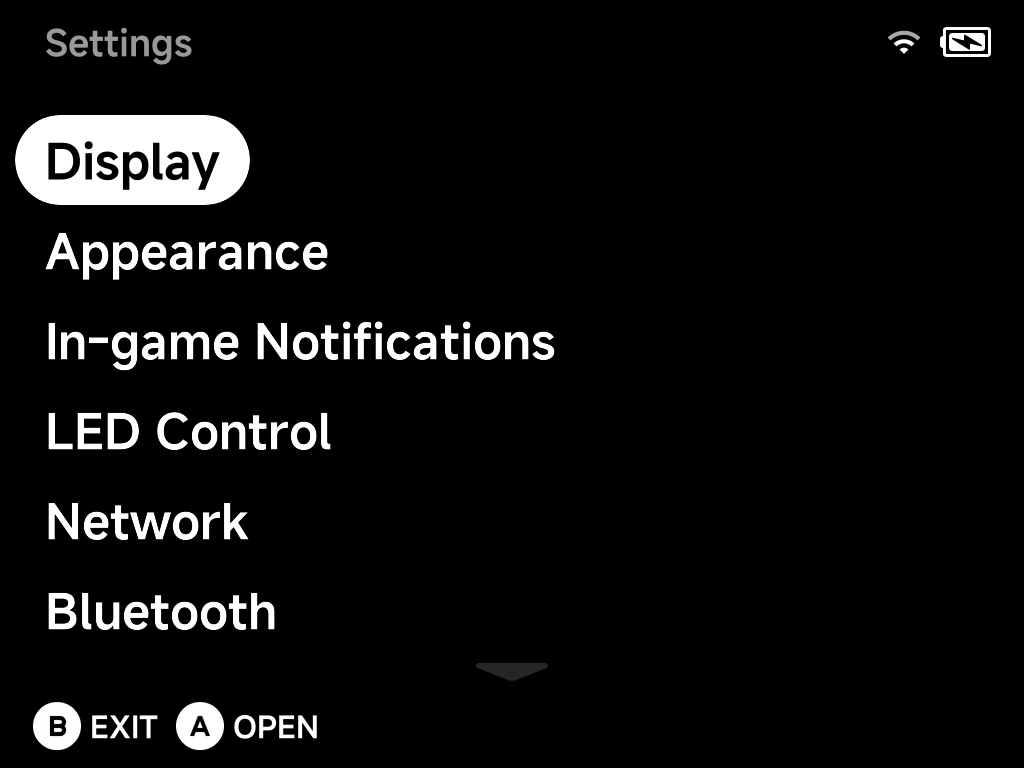
- Display — brightness and panel tuning
- Appearance — UI scale, colors and animations
- Layouts — main menu tab and game list styles, which tabs show, the page title and button hints
- In-game Notifications — save/load/screenshot toasts
- LED Control — per-zone lighting effects
- Network — Wi-Fi
- Bluetooth — pairing and audio
- Audio — output routing and sample rates
- FN Switch — what the FN switch toggles, incl. turbo fire
- F1 / F2 Keys — launch a chosen tool straight from the menu
- Simple Mode — the PIN-protected simplified menu
- System — timeouts, clock, saves, power
- Developer — SSH/SFTP, sleep control, cleanup
- Input Tester — button test and joystick calibration
- About — versions and the built-in updater
Some pages only appear when the device has the hardware for them (LEDs, Wi-Fi, Bluetooth, the FN switch, the F1/F2 keys, a fan). The screenshots in this section are from a TrimUI Brick.