Input Tester
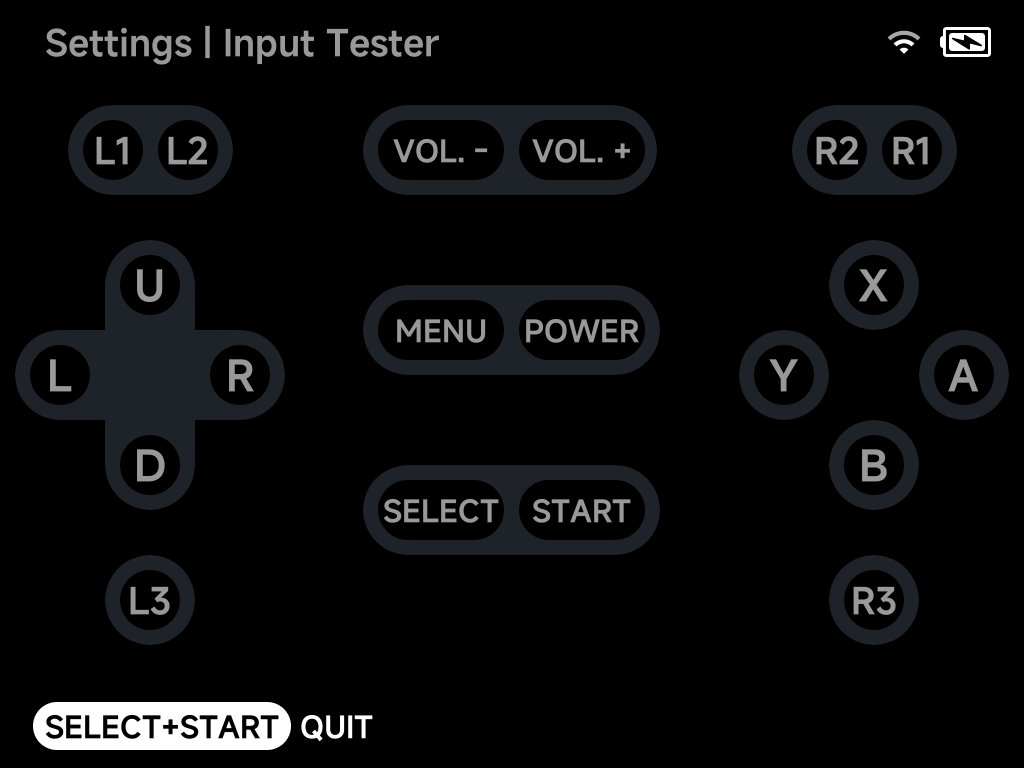
A live test screen for every input — pressed buttons, D-pad directions and
stick clicks light up as you press them. Quit with SELECT + START.
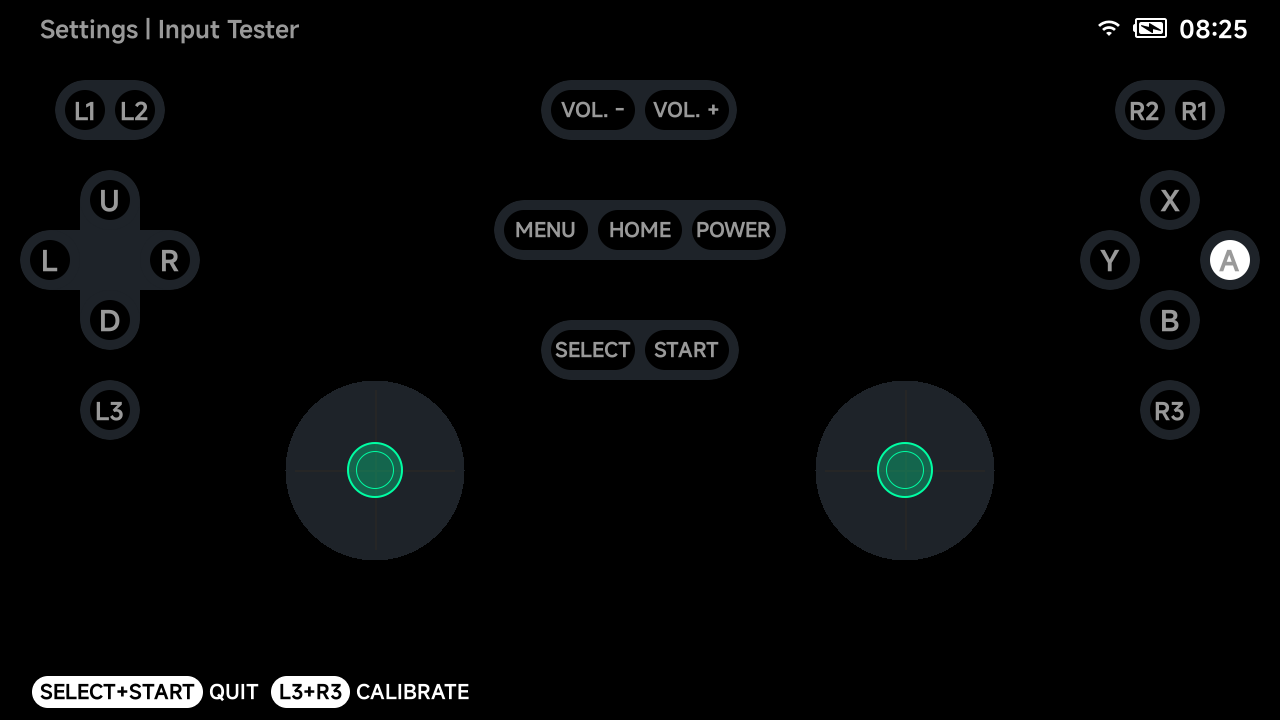
The layout matches the device — on a Smart Pro S the two analog sticks are shown with live position indicators:
Joystick calibration
On devices with analog sticks (Smart Pro, Smart Pro S, Brick Pro), press
L3 + R3 in the Input Tester to start the guided joystick calibration —
follow the on-screen instructions to re-center and range-calibrate the
sticks.