Device Sync
Tools → Device Sync moves your data between two NX Redux devices over Wi-Fi. Since SD cards are built per device model and must not be swapped between them, this is the supported way to carry your progress from one device to another.
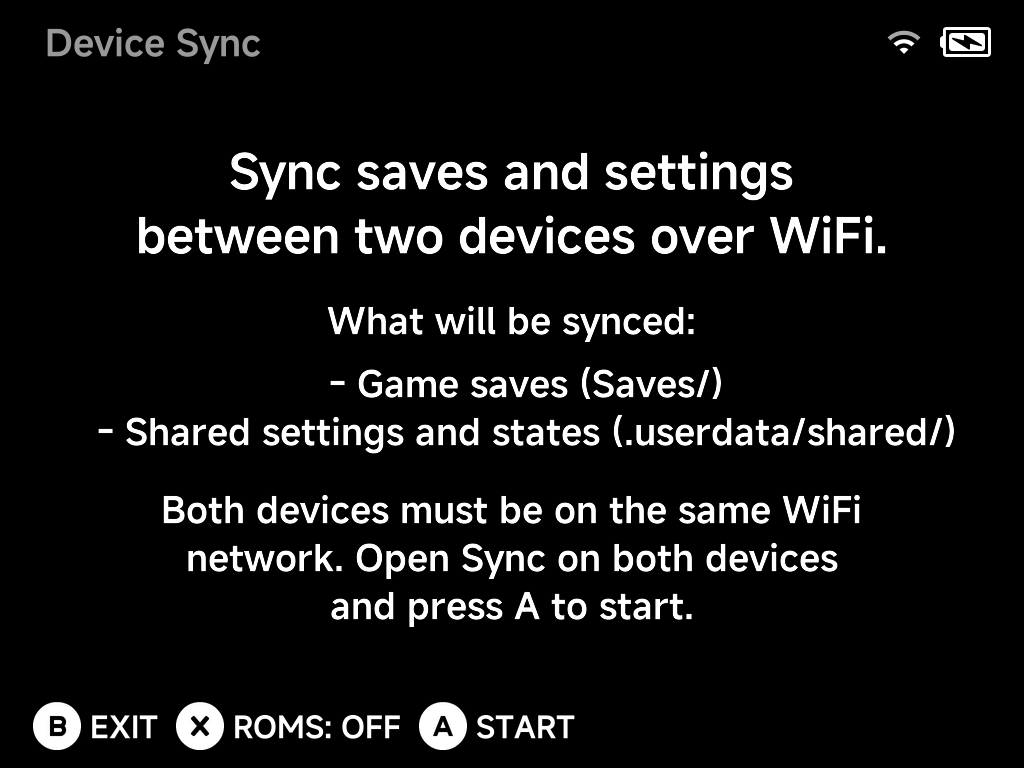
What gets synced
- Game saves (
Saves/) - Shared settings and states (
.userdata/shared/) - ROMs — optional: press
Xto toggleROMS: OFF/ONbefore starting.
How to sync
- Connect both devices to the same Wi-Fi network.
- Open Tools → Device Sync on both devices.
- Press
AStart on both — the devices find each other and sync.
Note
Device Sync requires an active Wi-Fi connection; if Wi-Fi is off or not connected, the tool asks you to enable it first (quickest way: the Wi-Fi toggle in the OSD).