RetroAchievements
NX Redux integrates RetroAchievements with full offline support, powered by rcheevos. The RetroAchievements tool in Tools is the single home for the feature: sign in, browse your achievements and manage every setting here.
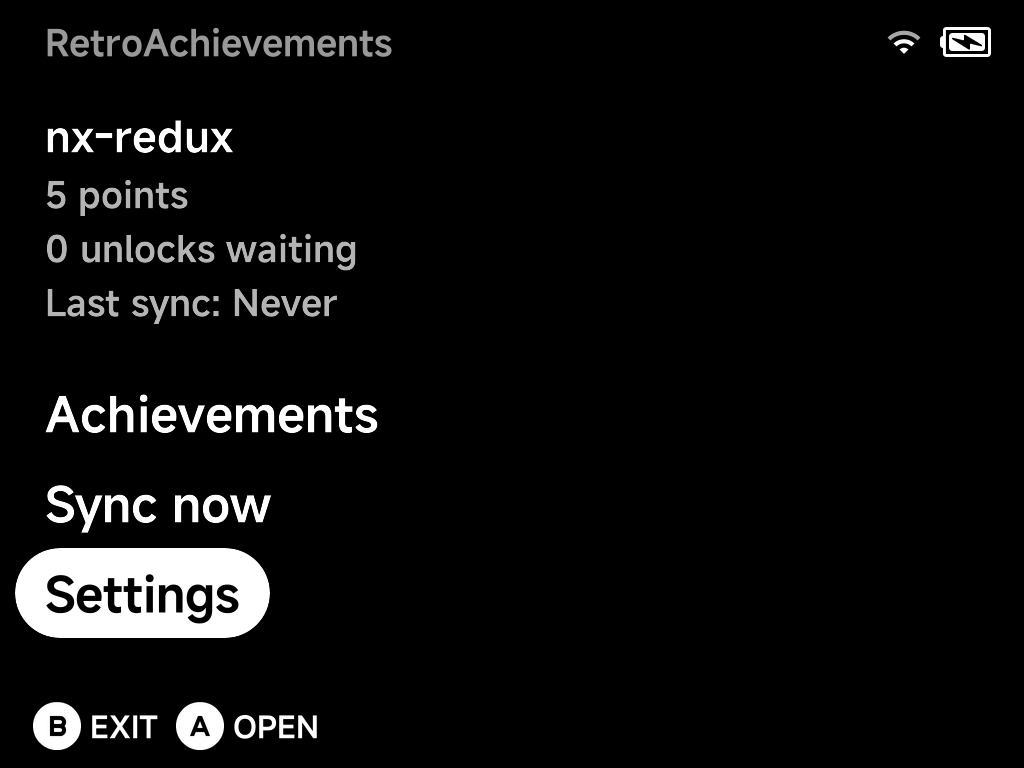
The home screen shows your account at a glance — points, unlocks waiting to be synced, and when the last sync happened — above the three entries: Achievements, Sync now and Settings.
Setting up
You need a free retroachievements.org account. Then, in Settings:
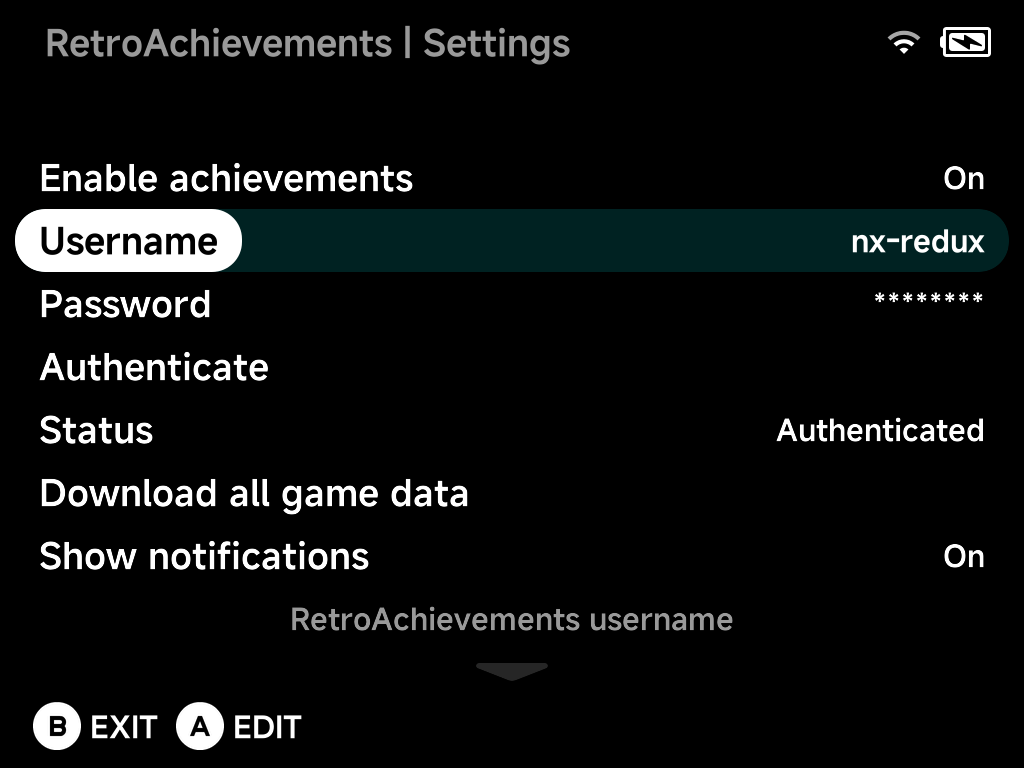
- Set Enable achievements to
On. - Enter your Username and Password with the on-screen keyboard.
- Choose Authenticate — it tests the credentials and retrieves your API
token; Status shows
Authenticatedwhen it works.
Below the account block, Settings also holds:
- Download all game data — pre-cache your whole library (see Offline support).
- Show notifications and Notification duration — in-game unlock popups and how long they stay.
- Progress duration — how long progress updates (top-left) stay on
screen;
Offdisables them. - Achievement sort order — how achievements are sorted, both here and in the in-game menu.
- Reset account data — clear login and progress, keeping cached game data (for switching accounts).
- Erase all achievement data — remove everything, including games and badges.
- Reset settings to defaults.
Earning achievements
Achievements work in the built-in emulator cores — launch a recognized game and unlocks are tracked automatically as you play:
- An unlock notification pops up when you earn an achievement.
- Progress updates (e.g. collectible counters) appear in the top-left.
- The in-game pause menu's
Options gains an Achievements entry: browse the game's
achievements without leaving the game, press
Yto filter to locked ones, and pressXto mute a specific achievement's notifications (handy for spammy progress trackers).
Softcore only, by design
NX Redux is not an RA-approved hardcore emulator, so hardcore mode is intentionally omitted to keep your account safe. Unlocks are submitted as softcore.
Offline support
Everything is built to work without a connection:
- Earn offline — unlocks are journaled to the SD card and submitted automatically the next time you play online (the home screen counts "unlocks waiting").
- Cached game data — achievement definitions, unlock state and badges are cached as you play, so a game you've launched once keeps working offline.
- Pre-download — Download all game data caches achievement data for every game in your library with a live progress bar, so even games you have never launched online work offline.
Browsing your achievements
Achievements lists every cached game with box art and unlock progress — fully offline:
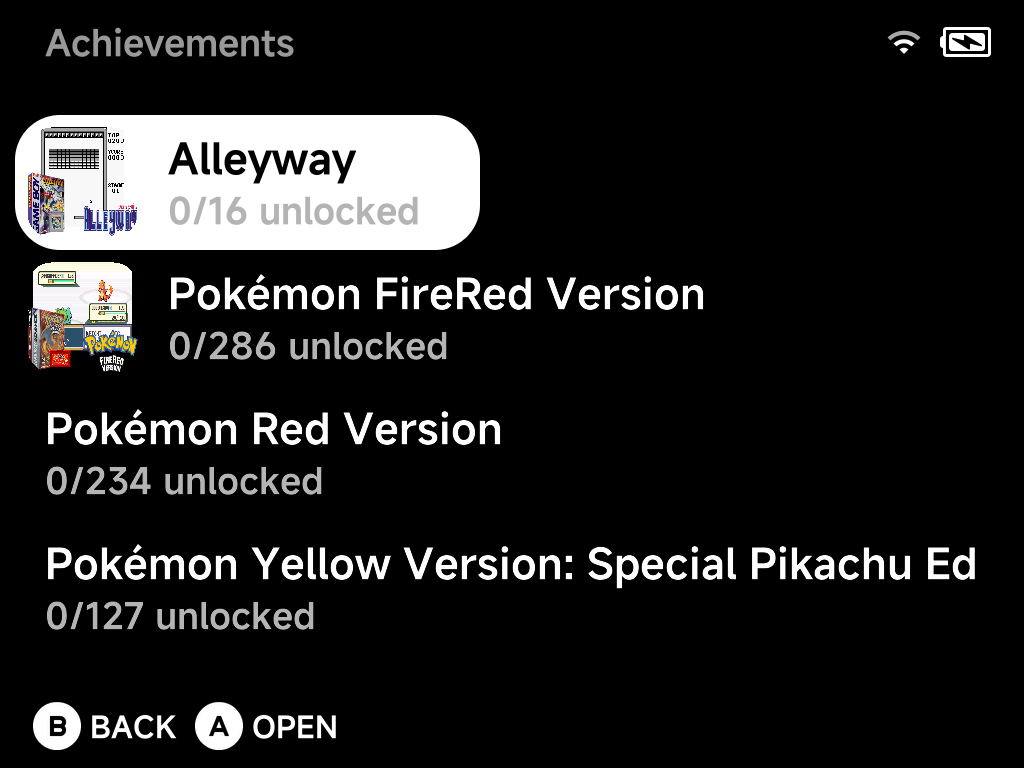
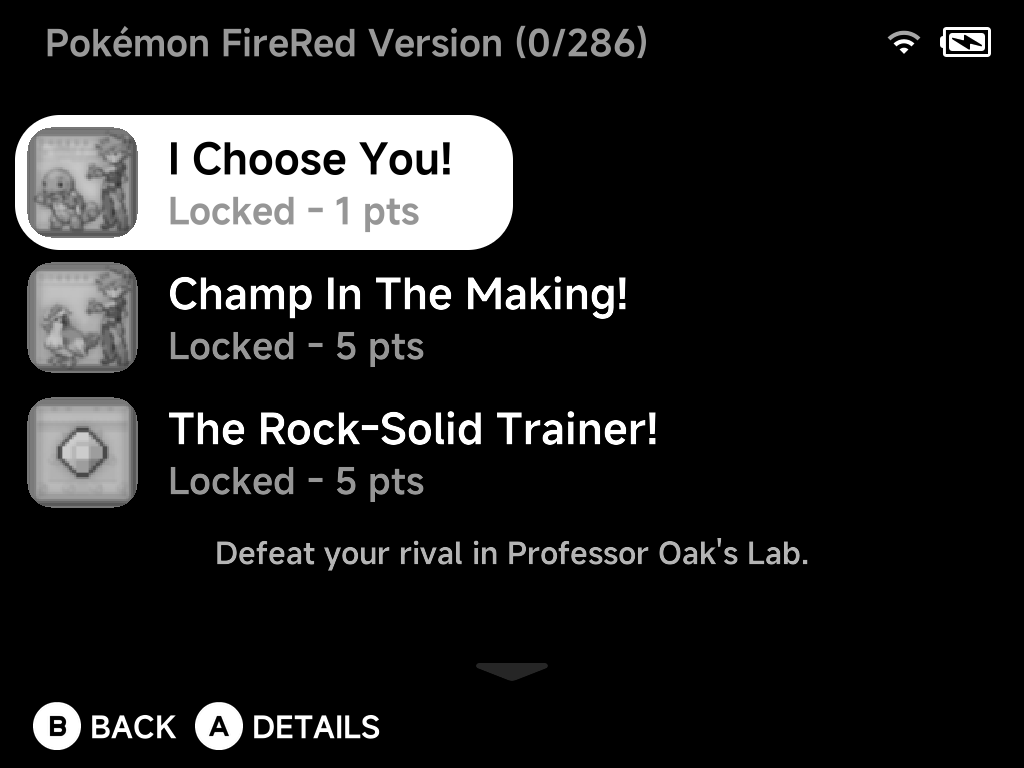
Open a game to see its achievements, each with its badge and points — the selected achievement's description shows below the list. Unlocked, pending-sync and locked achievements are all here, in your chosen sort order:
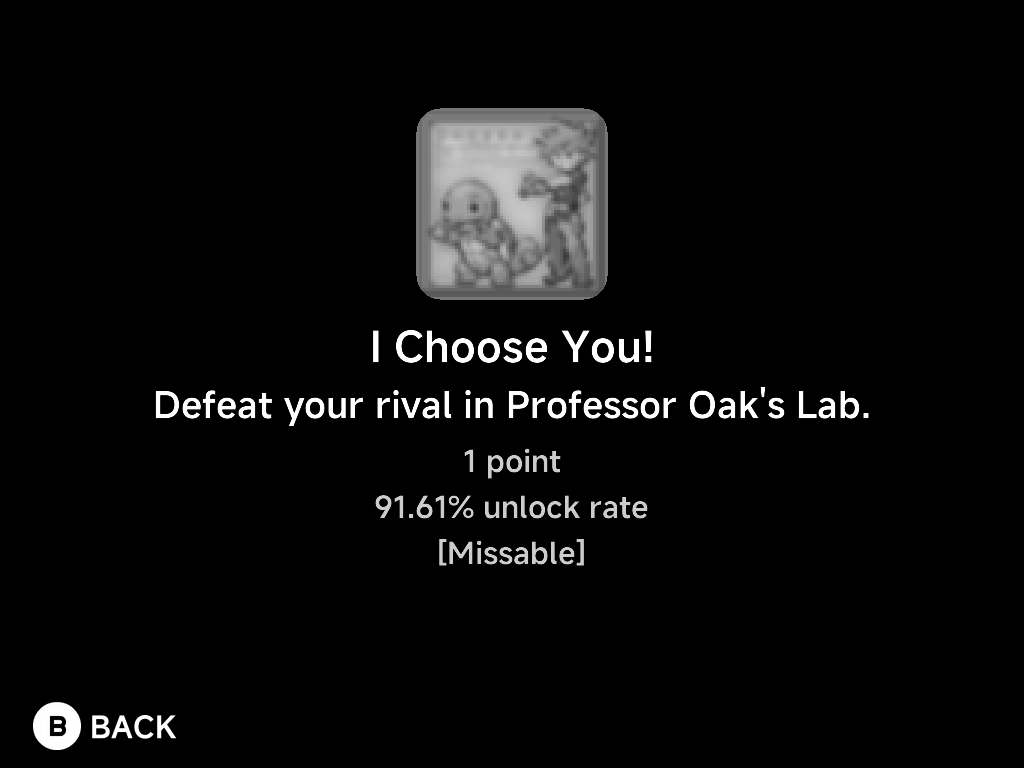
Press A for the full details of an achievement — badge, description,
points, global unlock rate, and type tags like [Missable],
[Progression] or [Win Condition]:
Syncing
Offline unlocks sync automatically when you're back online; Sync now on the home screen pushes them immediately. The home screen's "unlocks waiting" and "Last sync" tell you where you stand.