Settings
Open Tools → Settings to configure the device. NX Redux consolidates what used to be separate apps (LED Control, Input, Clock, Updater) into one place — each page of the Settings app is documented on its own page here.
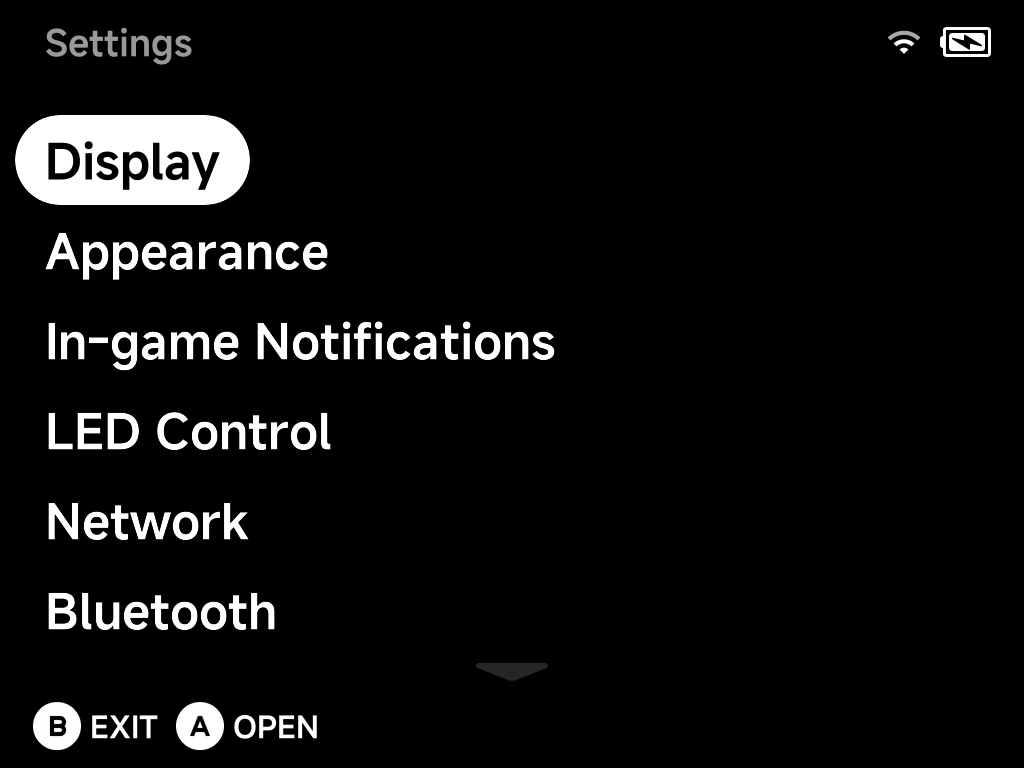
- Display — brightness and panel tuning
- Appearance — colors, animations and what the menus show
- In-game Notifications — save/load/screenshot toasts
- LED Control — per-zone lighting effects
- Network — Wi-Fi
- Bluetooth — pairing and audio
- Audio — output routing and sample rates
- FN Switch — what the FN switch toggles, incl. turbo fire
- Simple Mode — the PIN-protected simplified menu
- System — timeouts, clock, saves, power
- Developer — SSH, sleep control, cleanup
- Input Tester — button test and joystick calibration
- About — versions and the built-in updater
Some pages only appear when the device has the hardware for them (LEDs, Wi-Fi, Bluetooth, the FN switch, a fan); the screenshots in this section are from a TrimUI Brick.